
Top 7 Best Business Card Scanner Apps in 2026
16 minutes
1st of February 2026
In this article:
- Top 7 Business Card Scanner Apps for 2026
- Spreadly
- CamCard
- HubSpot Business Card Scanner
- ABBYY Business Card Reader
- ScanBizCards
- Covve Scan
- Evernote Scannable
- Popl
Top 7 Business Card Scanner Apps for 2026
The way professionals network has fundamentally changed in recent years. Gone are the days when collecting dozens of paper business cards meant hours of manual data entry or risking lost connections in desk drawers. Today, business card scanner apps have revolutionized contact management by leveraging advanced optical character recognition technology to instantly digitize and organize professional contacts. Whether you attend conferences regularly, work in sales, or simply want to maintain an organized network, choosing the right business card scanner app can significantly impact your productivity and professional relationships.
Modern business card scanner applications do far more than simply capture contact information. They integrate with customer relationship management systems, enrich contact data with social profiles, enable team collaboration, and provide analytics on networking activities. As we move through 2026, artificial intelligence has made these tools more accurate and intuitive than ever before. This comprehensive guide examines the top seven business card scanner apps available today, comparing their features, pricing, and ideal use cases to help you select the perfect solution for your networking needs.
Spreadly
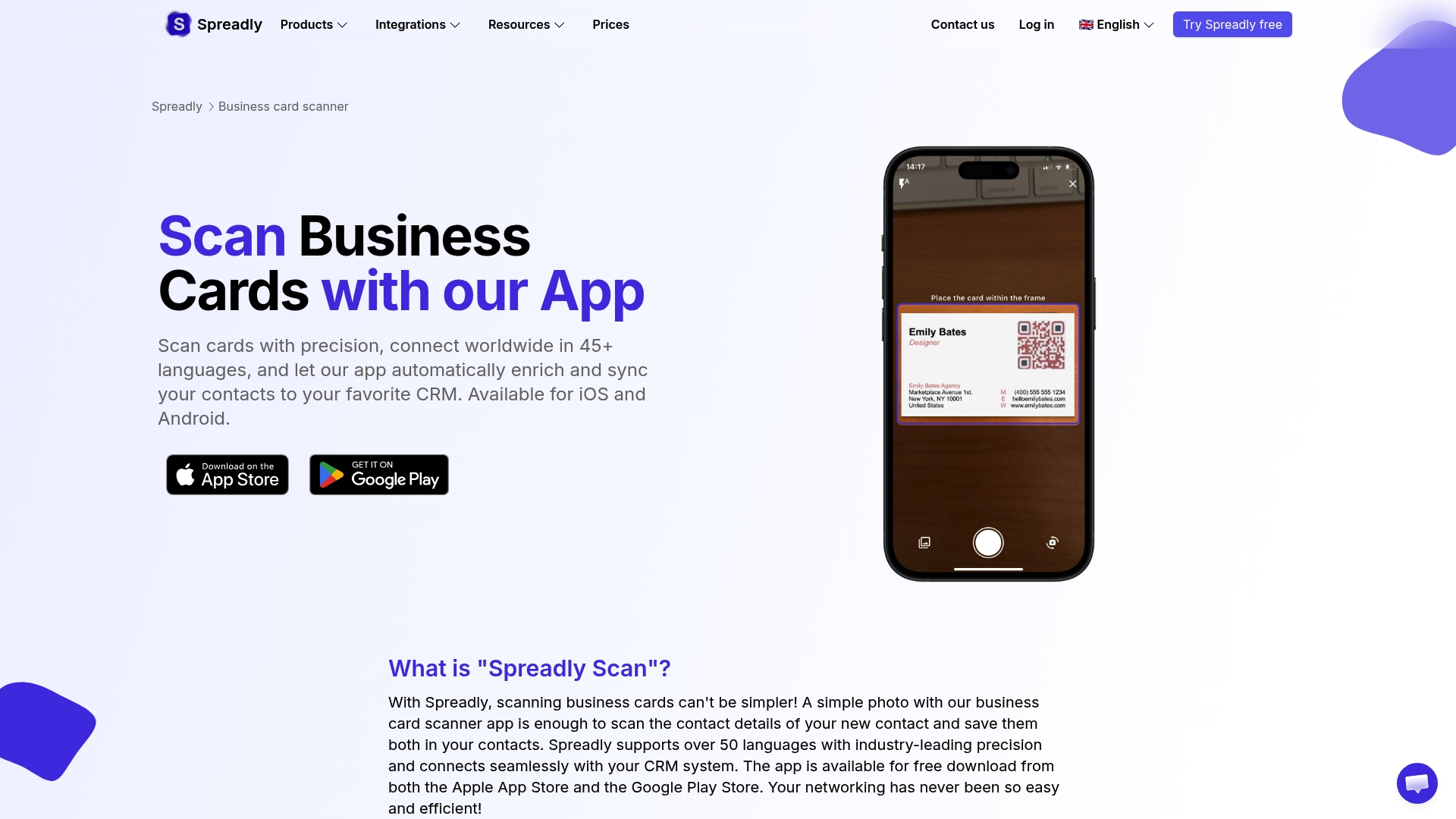
Spreadly stands out as a comprehensive networking solution that combines digital business cards with an AI-powered business card scanner designed specifically for modern professionals and teams. The platform offers a seamless approach to contact management by integrating card scanning capabilities with digital business card creation, making it an all-in-one networking tool.
The AI-based scanner technology enables users to capture any type of contact information, including traditional business cards, trade show badges, QR codes, and even handwritten notes. This versatility proves especially valuable at conferences and events where contacts come in various formats. The scanning accuracy rivals industry leaders, with the system automatically extracting names, titles, email addresses, phone numbers, company information, and social media profiles.
What sets Spreadly apart is its dual functionality. Users can not only scan incoming business cards but also share their own customizable digital business cards via QR code, NFC tap, email signature, or direct link. This two-way networking approach streamlines the entire contact exchange process. The platform includes built-in lead capture forms, allowing professionals to collect qualified leads with custom questions directly through their digital card.
The CRM integration capabilities are particularly robust, with direct connections to Salesforce, HubSpot, Microsoft Dynamics, and other major platforms. Scanned contacts can be automatically synchronized to your CRM system, eliminating manual data transfer and ensuring your sales pipeline stays current. For enterprise users, Spreadly offers centralized management features that allow administrators to oversee digital business cards and lead capture activities across entire teams.
Analytics provide valuable insights into networking performance, showing which contacts engaged with your digital card, when they viewed it, and what information they accessed. The platform also supports unlimited customization, enabling organizations to maintain brand consistency across all digital networking materials. GDPR compliance and multilingual support make Spreadly suitable for international teams and global operations.
Pricing starts with a free plan that includes basic digital business card creation and limited scanning capabilities. Professional plans unlock advanced features like unlimited scanning, full CRM integration, custom branding, and team management tools. The transparent pricing structure makes Spreadly accessible to solopreneurs while scaling effectively for enterprise deployments.
CamCard
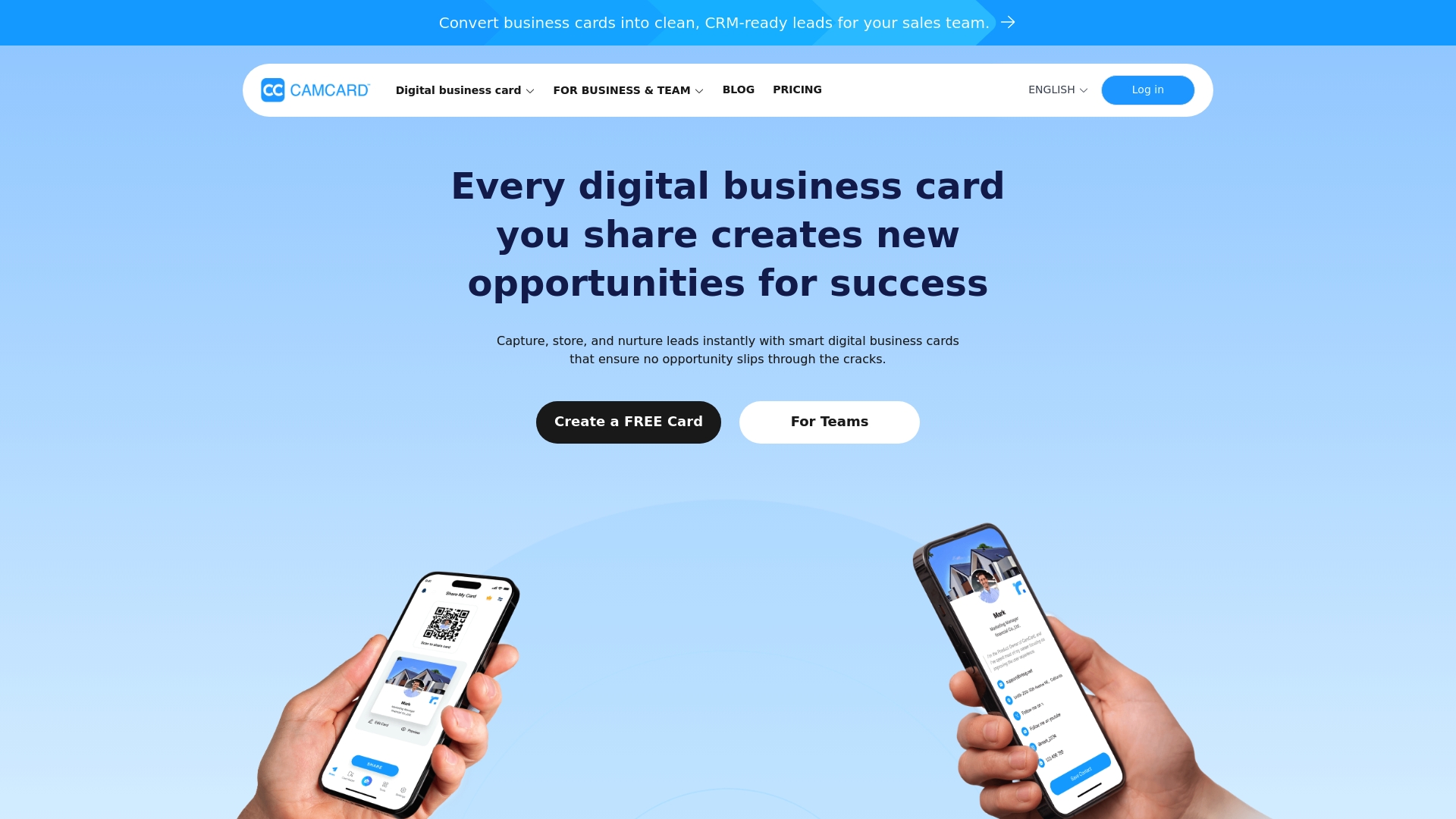
CamCard has established itself as a veteran in the business card scanning space, with over 100 million users worldwide relying on its character recognition technology. The app delivers high-precision AI card recognition boasting accuracy rates approaching ninety-nine point nine nine percent, making it one of the most reliable options for digitizing business cards across multiple languages.
The platform excels at multi-lingual recognition, supporting business card scanning in seventeen different languages including English, French, German, Spanish, Italian, Chinese, Japanese, and Korean. This international capability makes CamCard particularly valuable for professionals who network globally or work in multicultural environments. The app can even handle multilingual business cards that contain up to three different languages on a single card.
Beyond basic scanning, CamCard offers voice transcription with smart AI summaries, allowing users to record meetings, interviews, and lectures while automatically generating searchable transcripts. The business card insights feature leverages artificial intelligence to provide company profiles, financial information, and conversation starters based on scanned contacts, helping users prepare for follow-up meetings more effectively.
Contact management features include customizable tags, notes, and reminders to help organize networking activities. Users can group contacts by events, projects, or any custom category, making it easy to segment their professional network. The batch photo feature enables scanning multiple cards in quick succession, ideal for processing a stack of cards collected at conferences or trade shows.
CRM integration capabilities allow seamless export to Salesforce, ensuring scanned contacts flow directly into sales workflows. The real-time contact update feature helps maintain accurate information as contacts change jobs or update their details. Social media integration enriches contact profiles with LinkedIn, Twitter, and other professional network data.
The free plan provides one hundred scans, which may suffice for occasional users. Paid plans start at approximately four dollars and sixteen cents per month, offering unlimited scanning, advanced features, and priority support. The CamCard Business edition provides centralized contact database management for teams, with enhanced security features and compliance certifications including ISO twenty-seven thousand one and ISO twenty-seven thousand seven hundred one.
HubSpot Business Card Scanner
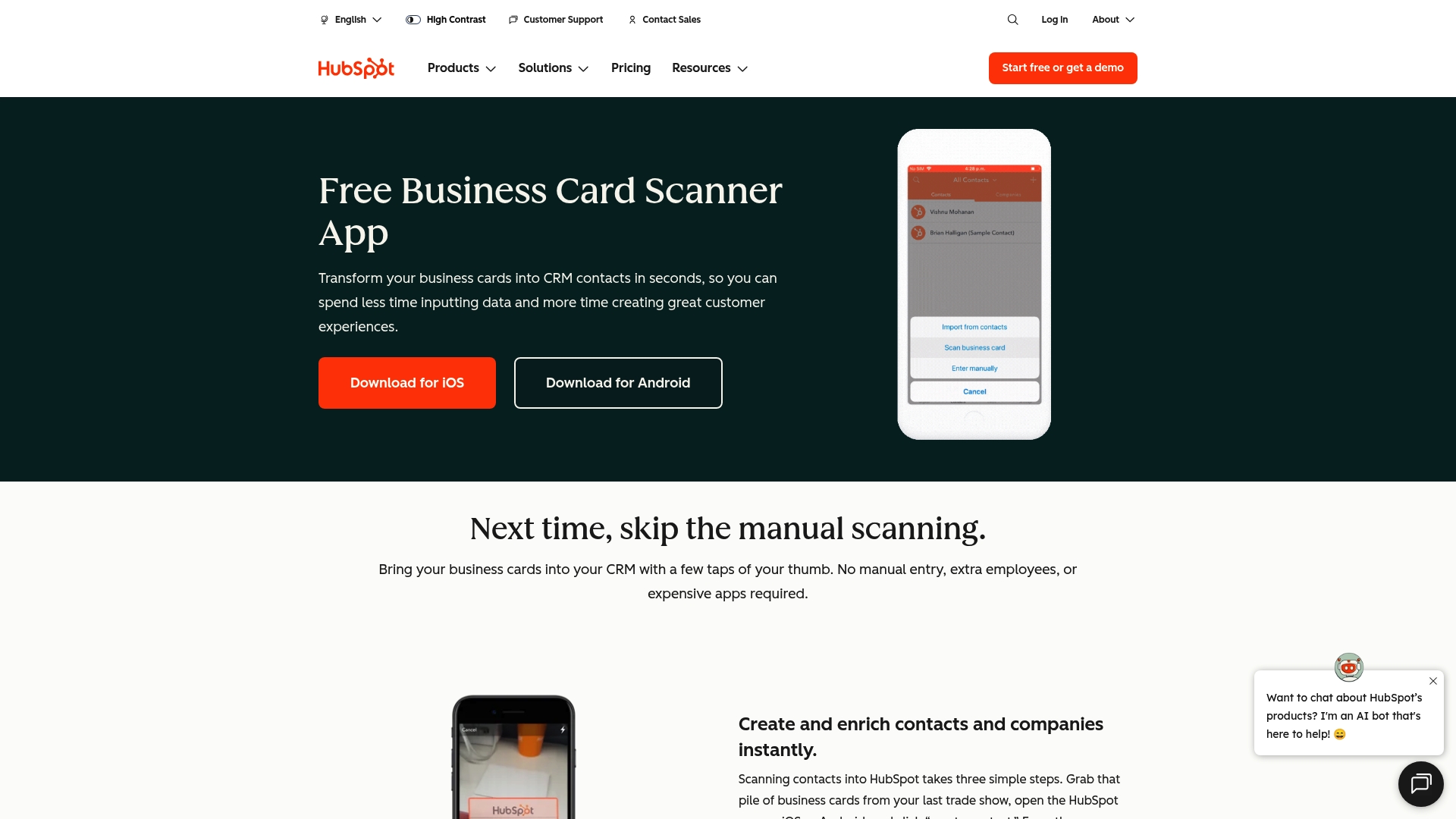
The HubSpot Business Card Scanner offers a completely free solution specifically designed for users of the HubSpot CRM ecosystem. The app integrates seamlessly with HubSpot's customer relationship management platform, making it an obvious choice for sales and marketing professionals already invested in the HubSpot ecosystem.
Scanning business cards with the HubSpot app is remarkably straightforward. Users simply open the mobile application, tap the create button, and select the scan business card option. The camera automatically detects the card edges, focuses, and captures the image. The optical character recognition engine processes the card in seconds, extracting contact details and automatically creating a new contact record in HubSpot CRM.
The unlimited scanning capability stands out as a major advantage. Unlike many competitors that impose scan limits on free plans, HubSpot allows users to digitize as many business cards as needed without additional costs or subscription fees. This makes it particularly attractive for sales representatives attending multiple events or conferences where they collect numerous contacts.
Integration with HubSpot's full suite of tools enables powerful workflows. Scanned contacts automatically appear in your CRM dashboard where they can be assigned to sales pipelines, added to email sequences, or enrolled in marketing campaigns. The app preserves the scanned card image alongside contact details, providing visual reference when needed. Users can add notes, set follow-up tasks, and associate contacts with companies directly from the scanning interface.
However, the HubSpot scanner does have limitations compared to dedicated scanning apps. The recognition accuracy, while generally good, may require manual correction more frequently than specialized solutions. The app lacks some advanced features like batch scanning, offline capture, or enrichment from external data sources. Contact fields are limited to standard HubSpot properties, which may not accommodate all business card formats.
The requirement to use HubSpot CRM represents both a strength and limitation. For existing HubSpot users, the tight integration streamlines workflows and eliminates the need for separate scanning tools. For non-HubSpot users, the platform's full CRM functionality may be more than needed, though the free tier remains accessible. The mobile-only availability means desktop users must scan cards on their phones rather than using computer-connected scanners or uploading images from other sources.
Despite these considerations, HubSpot Business Card Scanner delivers solid value for its target audience. Sales professionals who live in HubSpot CRM will appreciate the seamless contact capture and automatic synchronization. The zero-cost model removes barriers to adoption, making it easy for entire sales teams to implement consistent card scanning practices.
ABBYY Business Card Reader
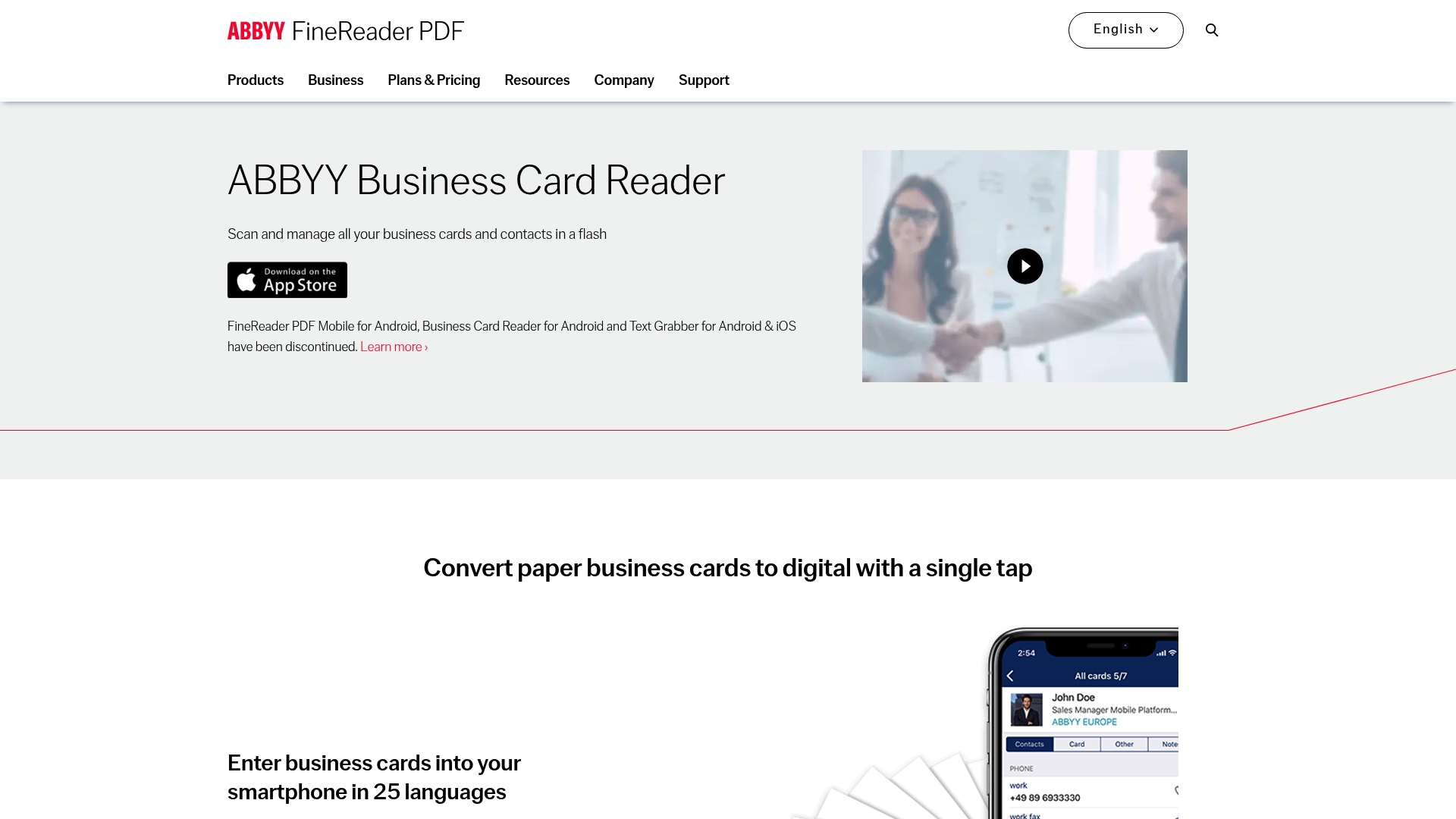
ABBYY Business Card Reader brings decades of optical character recognition expertise to the business card scanning market. As a pioneer in OCR technology, ABBYY has developed one of the most accurate character recognition engines available, particularly excelling with complex or multilingual cards.
The application supports business card recognition in twenty-five different languages, making it ideal for international professionals who network across linguistic boundaries. The advanced OCR engine can process cards with multiple languages simultaneously, accurately extracting contact information even from cards that mix English, Chinese, and Arabic text. This multilingual capability sets ABBYY apart from many competitors that struggle with non-Latin alphabets.
Contact management features include customizable tags for organizing cards by event, project, or category. Users can add personal notes to each contact, set reminders for follow-ups, and create custom folders to segment their network. The business card holder maintains scanned cards with their original images, allowing quick visual reference when needed.
Integration capabilities extend to major CRM platforms including Salesforce, where scanned contacts can be exported as leads with a single tap. The app also supports export to various contact formats including vCard, Excel, and CSV files, providing flexibility for different workflows. Social media integration enables users to find and connect with contacts on LinkedIn directly from the scanned card.
The iOS Extension feature allows business card recognition from virtually any app. Users can scan cards from photos in their camera roll, email attachments, or web browser images with just two taps. This flexibility eliminates the need to import images into the ABBYY app before scanning. Batch processing enables users to photograph multiple cards quickly and process them later when time permits.
ABBYY offers both mobile and desktop versions, with the Windows application supporting connection to hardware scanners for high-volume digitization projects. The desktop software can process up to ten business cards simultaneously, significantly accelerating large scanning jobs. Cloud synchronization keeps contacts consistent across devices, ensuring access from smartphones, tablets, and computers.
Pricing has evolved over time, with ABBYY initially offering a premium paid app before transitioning to a freemium model with in-app purchases. The current pricing structure includes limited free scanning with paid options starting around four dollars for fifty scans. Annual subscriptions provide better value for regular users, though the per-scan cost remains higher than subscription-based competitors. At thirty dollars per year or sixty dollars for a lifetime license, ABBYY offers reasonable pricing for professionals who prioritize accuracy over unlimited volume.
Some users report that ABBYY development has slowed in recent years, with fewer updates and feature additions compared to newer competitors. However, the core scanning functionality remains highly reliable, particularly for difficult cards that other apps struggle to process accurately.
ScanBizCards
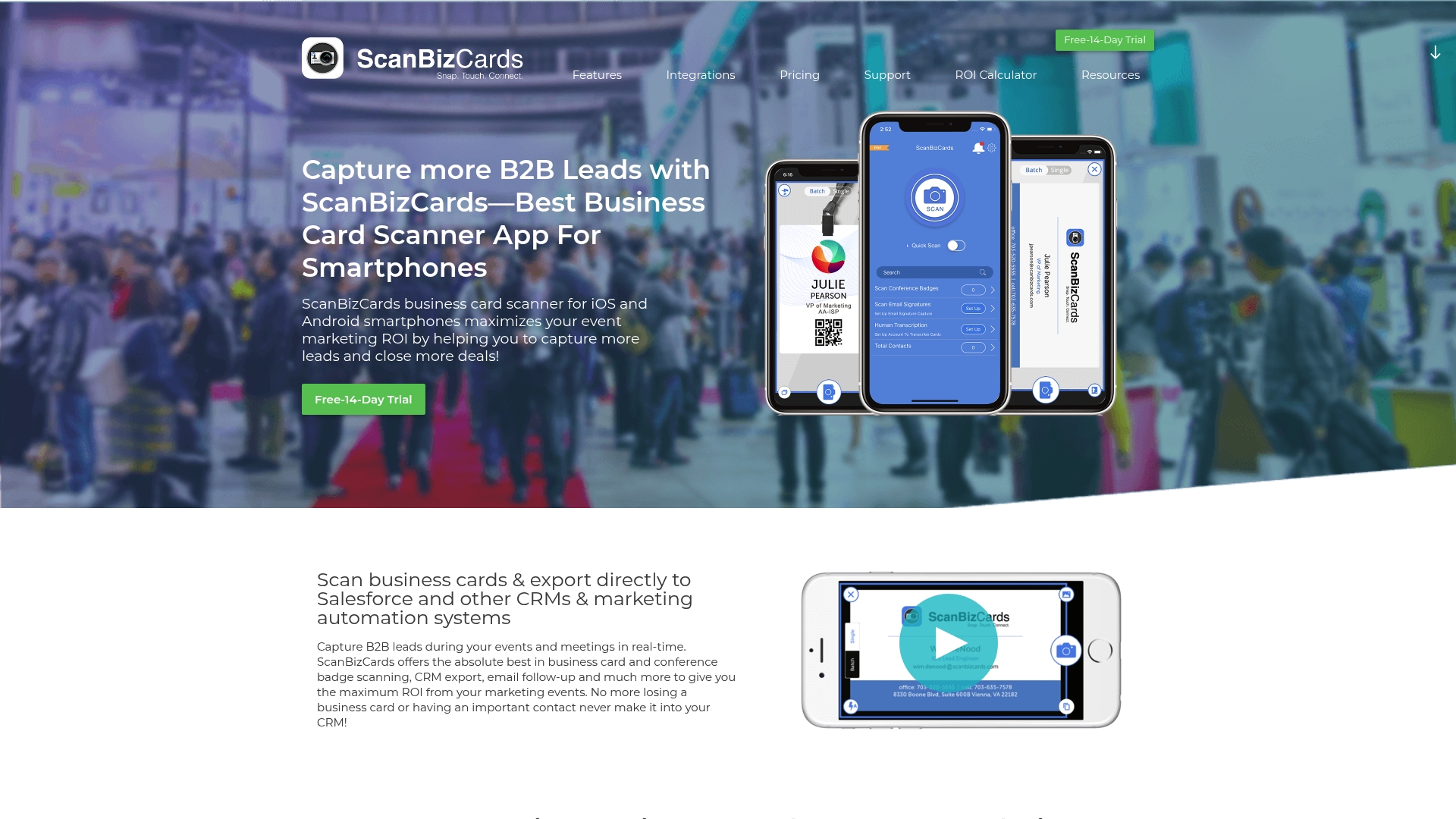
ScanBizCards positions itself as a professional-grade business card scanner with particular strength in conference badge scanning and CRM integration. The app serves over eighty-two thousand businesses and two million users who rely on its accurate recognition technology and export capabilities.
The dual-mode scanning approach sets ScanBizCards apart. Users can either scan cards using the built-in OCR technology for instant results or submit cards for manual transcription by human operators when perfect accuracy is required. The manual transcription service, priced at eighteen cents per card, guarantees one hundred percent accuracy by having trained data entry specialists verify every field. This hybrid approach proves valuable when dealing with unusual card designs, handwritten information, or critical contacts where errors cannot be tolerated.
Conference badge scanning represents a key strength of ScanBizCards. The app recognizes and extracts information from event badges without requiring backend integration with event organizer systems. The platform also appends missing contact information such as email addresses, phone numbers, company addresses, and LinkedIn URLs wherever available through external data enrichment. This contact enrichment significantly increases the value of scanned leads by providing complete profiles rather than just the limited information printed on badges.
Batch scanning capabilities enable users to photograph multiple cards rapidly and review them later, ideal for processing dozens or hundreds of cards collected at trade shows. The app supports double-sided business card scanning, capturing information from both front and back when cards contain different details on each side. QR code scanning allows instant capture of digital business cards shared via QR codes.
CRM export functionality includes native integrations with Salesforce, SugarCRM, Zoho CRM, and Jigsaw data-dot-com. Scanned contacts sync directly to these platforms as leads or contacts, with field mapping to ensure data populates correctly. For systems without direct integration, ScanBizCards supports export to various formats including Excel, CSV, and vCard files. LinkedIn integration allows users to send connection requests directly from scanned cards.
Organization features include custom folder structures for grouping cards by event, project, or category. Users can create personal notes for each contact and perform full-text search across their entire card collection. The three-dimensional gallery view provides visual browsing of scanned cards, making it easy to locate specific contacts by recognizing card designs. Cloud backup ensures scanned cards remain accessible even if devices are lost or replaced.
The free Lite version provides basic scanning with limited storage and features. Premium plans unlock unlimited storage, advanced export options, and priority support. The pricing structure proves competitive for professionals who scan large volumes of cards, particularly when factoring in the optional manual transcription service for critical contacts. The fourteen-day free trial allows thorough evaluation before committing to a subscription.
Covve Scan
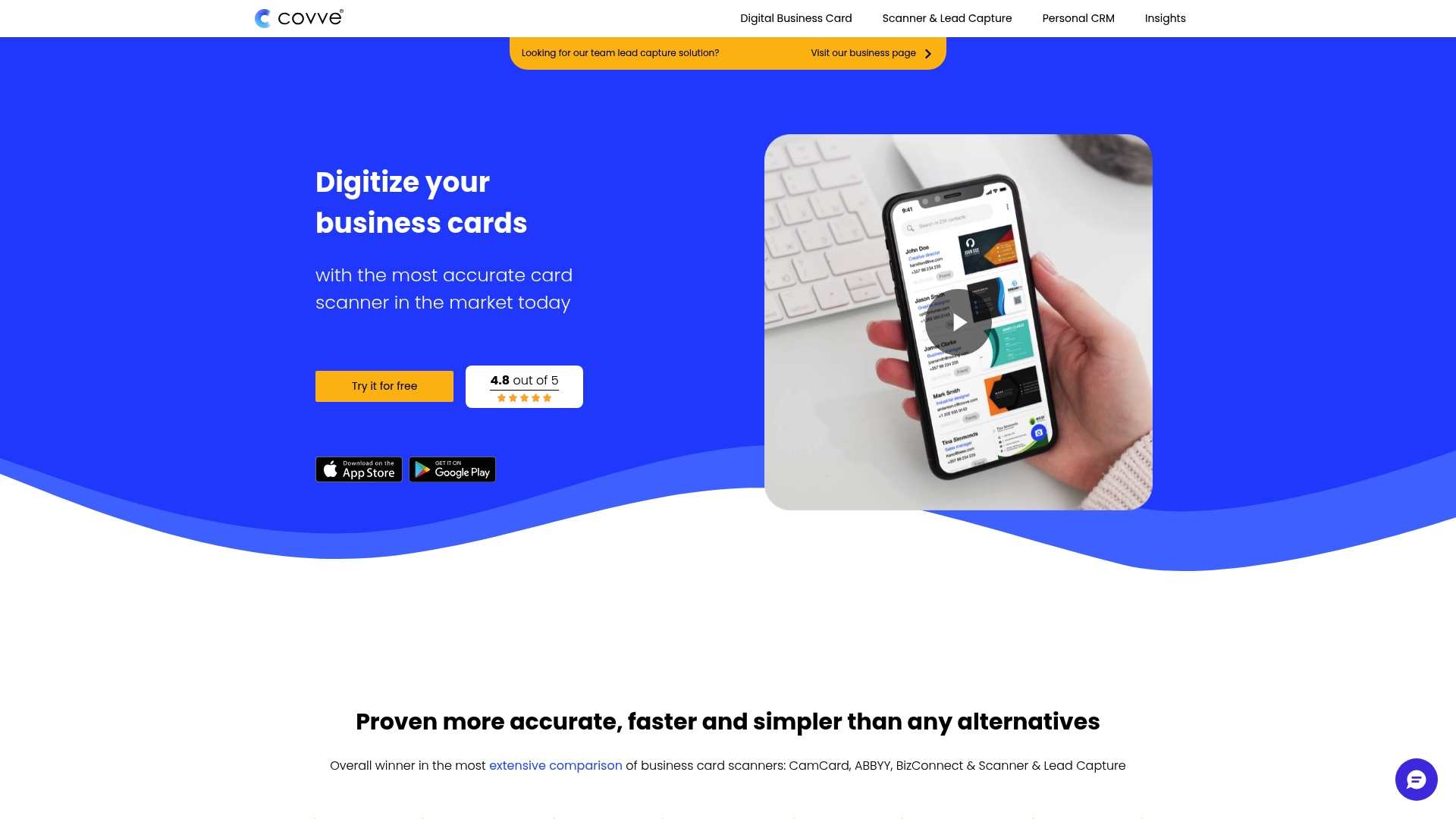
Covve Scan has earned recognition as one of the most accurate business card scanners on the market, winning comparisons against competitors like CamCard, ABBYY, and BizConnect in independent testing. The app leverages artificial intelligence to deliver exceptional recognition accuracy across more than thirty languages, making it suitable for truly global networking.
The scanning accuracy represents Covve's primary differentiator. Independent tests consistently show Covve extracting contact information with fewer errors than competing solutions, particularly with challenging cards featuring unusual layouts, multiple fonts, or mixed languages. The AI-powered recognition engine handles left-to-right languages exceptionally well, though users note that right-to-left scripts like Arabic may require additional verification.
Speed complements accuracy in Covve Scan's offering. The app processes business cards remarkably quickly, with most scans completing in just seconds. Users can photograph cards, verify the extracted data, and save contacts to their address book or CRM in under thirty seconds per card. This rapid processing makes Covve practical for high-volume scanning scenarios where speed matters as much as accuracy.
Contact enrichment features automatically enhance scanned profiles with additional information from online sources. The app can discover email addresses, phone numbers, social media profiles, and other details not present on the physical card, significantly increasing the value of each scan. Tags and notes enable users to add context to contacts, recording where they met, conversation topics, or follow-up actions needed.
Lead qualification tools built into Covve Scan help sales professionals prioritize follow-ups. Users can assign qualification scores, stage indicators, or custom status values to scanned contacts, turning the app into a lightweight lead management system. Export capabilities support sending contacts to any CRM through various methods including direct integration, CSV export, or via Zapier automation.
Team features allow organizations to pool scanned contacts into shared databases while maintaining appropriate access controls. Administrators can manage user permissions, ensure data compliance, and monitor scanning activity across the organization. The GDPR-compliant architecture protects contact data and provides necessary privacy controls for European operations.
Pricing offers both subscription and lifetime purchase options. The subscription model provides unlimited scanning for a monthly or annual fee, typically more affordable than per-scan competitors for regular users. Lifetime licenses offer a one-time payment that includes all future updates, appealing to professionals who prefer avoiding recurring costs. The app occasionally appears in software bundle deals, providing opportunities for substantial discounts.
The main Covve app extends beyond card scanning to include comprehensive contact management and relationship intelligence features. It monitors contacts for job changes, helps maintain relationships through reminders, and suggests optimal outreach timing. Users can choose between the focused Covve Scan app or the full Covve experience depending on their needs.
Evernote Scannable
Evernote has long included document scanning capabilities in its note-taking ecosystem, with business card scanning functionality available through the Evernote Scannable app and within the main Evernote application. The scanning features prove valuable for users already invested in the Evernote platform for document organization and knowledge management.
The Evernote approach treats business cards as documents to be captured and filed rather than as contacts to be managed actively. Users scan cards which are then saved as notes in designated notebooks. The optical character recognition engine extracts text from card images, making the information searchable within Evernote's powerful search system. This allows users to find contacts by searching for company names, job titles, or any other text appearing on scanned cards.
Automatic contact creation represents a key convenience feature. Evernote can extract contact information from scanned business cards and save it directly to the device's address book. In Scannable settings, users can enable automatic contact creation so every scanned business card immediately becomes a contact entry. Alternatively, users can manually trigger contact creation for selected cards while keeping others as reference notes only.
The integration with Evernote's broader ecosystem provides unique advantages. Business card scans can be organized alongside meeting notes, project documentation, and other professional materials in unified notebooks. Users can link business cards to specific notes about meetings or projects, creating rich context around their professional relationships. Tags enable flexible organization across multiple dimensions beyond simple folders.
However, Evernote's business card scanning falls short of dedicated scanner apps in several areas. The recognition accuracy lags behind specialized solutions, often requiring manual correction of extracted data. The app lacks advanced features like CRM integration, contact enrichment, or lead qualification tools. Batch scanning capabilities are limited compared to apps designed specifically for processing large volumes of business cards.
Recent updates to Evernote have introduced issues with business card scanning functionality, with multiple users reporting frozen scans, failed recognition, or missing features. The scan-as-business-card option sometimes fails to detect cards properly or extract data, requiring users to manually enter information. These reliability concerns have frustrated longtime Evernote users who previously relied on its card scanning capabilities.
Business card scanning in Evernote requires a premium subscription, typically priced around eight dollars per month or sixty-seven dollars and ninety-nine cents annually. This positions Evernote in the higher price range compared to dedicated scanning apps, though users receive access to Evernote's full feature set beyond just card scanning. The value proposition depends heavily on whether users need Evernote's note-taking and document management capabilities.
For professionals already using Evernote extensively who only occasionally scan business cards, the integrated scanning may suffice despite its limitations. However, users who frequently collect business cards or need accurate contact management should consider dedicated scanning solutions that deliver better recognition accuracy and more robust contact handling features.

Popl
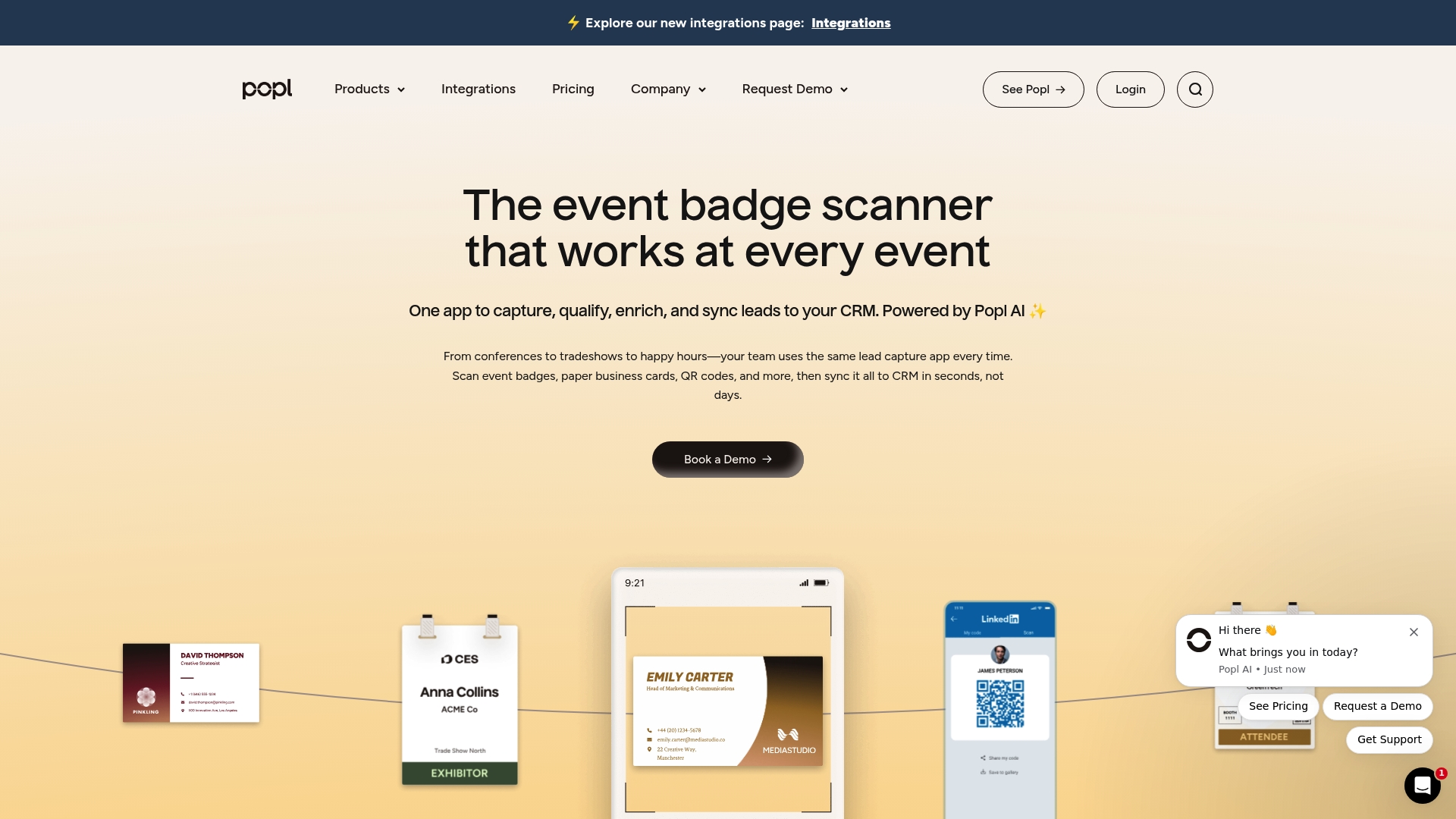
Popl has emerged as a comprehensive in-person go-to-market platform that combines digital business card products with a universal lead scanner. The platform focuses on event lead capture, offering tools designed specifically for conferences, trade shows, and field marketing activities.
The universal scanner represents Popl's core strength for business card digitization. The AI-powered OCR technology processes event badges, paper business cards, and QR codes with equal facility, extracting contact details in real-time. This versatility proves particularly valuable at events where contacts come in multiple formats. Unlike badge scanners that require specific integrations with event organizers, Popl works with any badge design or format.
Contact enrichment happens automatically as Popl scans cards. The platform auto-fills missing contact and company data within seconds of scanning, pulling information from external databases to create complete profiles. Users receive not just the basic details printed on cards but enhanced records including email addresses, phone numbers, social media profiles, and company information. This enrichment significantly increases lead quality and reduces subsequent research time.
Lead qualification features enable sales teams to prioritize follow-ups effectively. Users can add notes, assign tags, qualify prospects, and score leads directly in the scanning interface. The platform supports custom qualification questions that capture specific information needed for sales processes. This transforms raw scans into actionable leads ready for follow-up.
CRM synchronization represents another major feature, with direct integrations to major platforms including Salesforce, HubSpot, and others. Scanned leads sync automatically to CRM systems in seconds rather than days, eliminating manual data entry and ensuring sales teams can act quickly on hot leads. The sync happens in real-time, so leads captured at morning conference sessions appear in the CRM before lunch.
The Popl physical products complement the software platform. Users can deploy digital business cards via NFC-enabled cards, wristbands, or keychains that share contact information with a simple tap. This combination of inbound scanning and outbound sharing creates a complete networking solution. The digital cards integrate with the same lead capture system, providing unified contact management.
Team collaboration features allow organizations to pool leads captured by multiple team members at events. Managers can monitor scanning activity, review captured leads, and ensure proper follow-up across the team. Analytics provide insights into event performance, showing which team members captured the most leads and how captured contacts engage over time.
Pricing includes free plans with limited features and paid tiers that unlock advanced capabilities. The free plan allows basic scanning and digital business card creation, suitable for individual professionals testing the platform. Professional plans starting around ten dollars per month include unlimited scanning, CRM integration, and lead qualification tools. Enterprise pricing accommodates large teams with custom requirements, dedicated support, and advanced security features.
Popl's SOC 2 Type II certification provides enterprise-grade security and compliance, important considerations for organizations handling sensitive contact data. The platform includes encryption, access controls, and audit logging to protect lead information and meet regulatory requirements.
The Value of Business Card Scanner Apps
Selecting the right business card scanner app depends on your specific needs, existing technology stack, and budget. For comprehensive networking solutions that combine scanning with digital business card creation, Spreadly offers the most complete package with robust AI-powered scanning and seamless CRM integration. CamCard excels for international professionals who need exceptional multilingual support. HubSpot delivers unbeatable value for CRM users who want unlimited free scanning.
ABBYY remains the accuracy champion for challenging cards requiring perfect recognition. ScanBizCards serves professionals who attend frequent events and need reliable conference badge scanning with optional manual verification. Covve Scan provides the best pure scanning accuracy for users who prioritize data quality above all else. Evernote suffices for note-takers who only occasionally scan cards and want everything in one ecosystem, while Popl offers the most comprehensive event-focused solution for teams.
The broader trend toward digital networking continues accelerating. As more professionals adopt digital business cards and contactless sharing methods, traditional paper cards gradually become less common. However, business card scanner apps remain essential tools during this transition period, bridging the gap between paper and digital networking. The apps that provide the most value combine excellent scanning accuracy with modern features like CRM integration, contact enrichment, and digital card sharing, preparing users for the fully digital networking future while handling today's hybrid reality effectively.