
Gmail signatures for your whole team, managed in one place
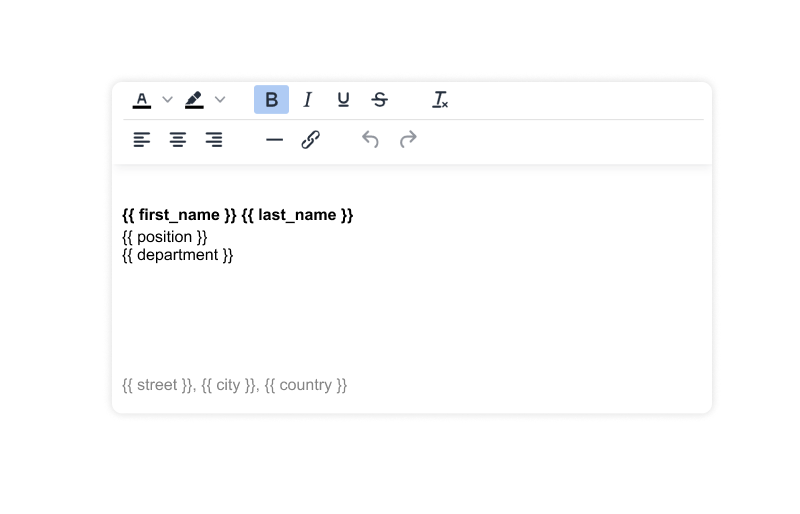
Design one signature for your whole team with drag and drop. Spreadly fills in the details of each employee from Google Workspace or your HR system and adds the signature to every email. Choose how: directly in Gmail, or on the server for every device.
 Alessio will give you a live demo


Leading companies rely on us








Stop asking every employee to update their Gmail signature
In Gmail, every user edits their own signature. Logos, phone numbers and legal text quickly get out of date. With Spreadly, admins manage all company signatures centrally: change the signature once and every user has the new version.
How to set a Gmail signature for all users in Google Workspace
Google Workspace has two built-in options: every user sets their own signature in Gmail, or an admin adds the same footer to all emails in the Google Admin console. Admins with technical skills can also update signatures in bulk with a script, using the free tool GAM or the Gmail API. A tool for Google Workspace email signature management like Spreadly combines the best of all options.
| Spreadly | Each user in Gmail | Admin console footer | Script with GAM or the Gmail API | |
|---|---|---|---|---|
| Personal details for each user | Yes | Typed by hand | No | Yes |
| One central design for everyone | Yes | No | Yes | Yes |
| Updates when employee data changes | Yes | No | No | Run the script again |
| Signature visible while writing | Client side | Yes | No | Yes |
| Gmail app on iPhone and Android | Server side | Plain text only | Yes | No |
| Banners and campaigns by department | Yes | No | No | No |
| No technical skills needed | Yes | Yes | Yes | No |
Set up Google Workspace email signatures in 3 steps
Client side or server side: you choose
Most tools for Gmail signatures only offer one way. Spreadly gives you both, so you can pick what fits your team.
Signatures directly in Gmail
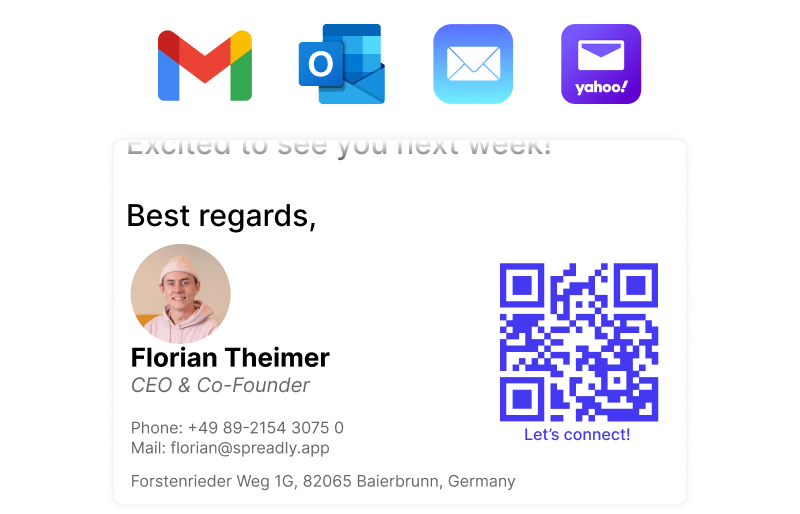
Signatures on every device
| Client side | Server side | |
|---|---|---|
| Gmail in the browser | Yes | Yes |
| Gmail app on iPhone and Android | No | Yes |
| Other mail apps that send via Google | No | Yes |
| Signature visible while writing | Yes | No |
| Nothing to install for users | Yes | Yes |
| Setup in the Google Admin console | API access | Mail route |
Professional Gmail signature templates with drag and drop
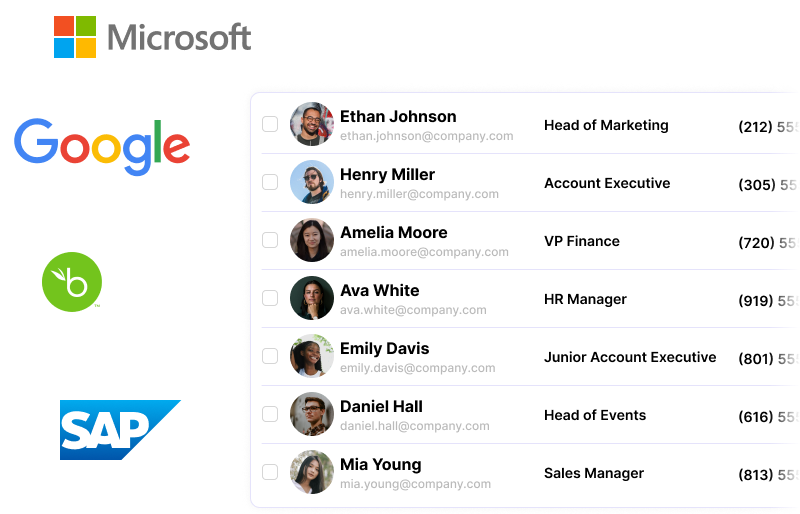
Use Google Workspace or your HR system as the source






Turn every email into a marketing channel
Your data is our priority
Transparent prices, no hidden fees
How to add a signature in Gmail for one user
Only need a signature for yourself? This is how it works in Gmail on your computer:
-
1Open Gmail and click the gear icon at the top right.
-
2Click "See all settings".
-
3In the "General" tab, scroll to "Signature" and click "Create new".
-
4Give your signature a name and write it. Use the image icon to add your logo.
-
5Under "Signature defaults", choose it for new emails and replies.
-
6Click "Save Changes" at the bottom of the page.
Frequently Asked Questions
It means that admins create, deploy and update the email signatures of all users from one central place, instead of each user editing their own signature in Gmail. Tools like Spreadly automate this with templates and employee data from Google Workspace or your HR system.
Google Workspace has no central editor for personal signatures. In the Google Admin console you can only add the same footer to all emails. With Spreadly, you design one template, connect your users and Spreadly creates a personal signature for every user.
Gmail allows up to 10,000 characters per signature, including the HTML code. Spreadly checks this for every user and tells you if a signature is too long.
For one user: open the signature in the Gmail settings, click the image icon and choose your logo. For a team: add the logo block once in the Spreadly editor, and every user gets it.
Client side: Spreadly writes the signature into the Gmail settings of each user, so users see it while they write. Server side: Google Workspace sends outgoing emails through Spreadly, which adds the signature after sending. This works on every device, including the Gmail app on iPhone and Android.
No. Both methods are set up once by an admin in the Google Admin console. There is no browser extension and users do not need to copy anything.
The Gmail apps use their own mobile signature, so client side signatures only appear in Gmail in the browser. If your team often writes from their phone, use server side signatures.
With client side signatures, Spreadly can only change the signature settings in Gmail and cannot read any emails. With server side signatures, outgoing emails pass through Spreadly with TLS encryption so the signature can be added.
Spreadly adds the signature and sends the email straight back to Google Workspace, which delivers it as usual. Your SPF and DKIM setup stays the same.
With server side signatures, users cannot remove or change the signature. With client side signatures, the signature is in the Gmail settings of the user, and Spreadly writes it again when the template or the employee data changes.
From the Google Workspace directory, or from your HR system like Personio, BambooHR, HiBob, Workday or SAP SuccessFactors. You choose which users, groups and fields are shared.
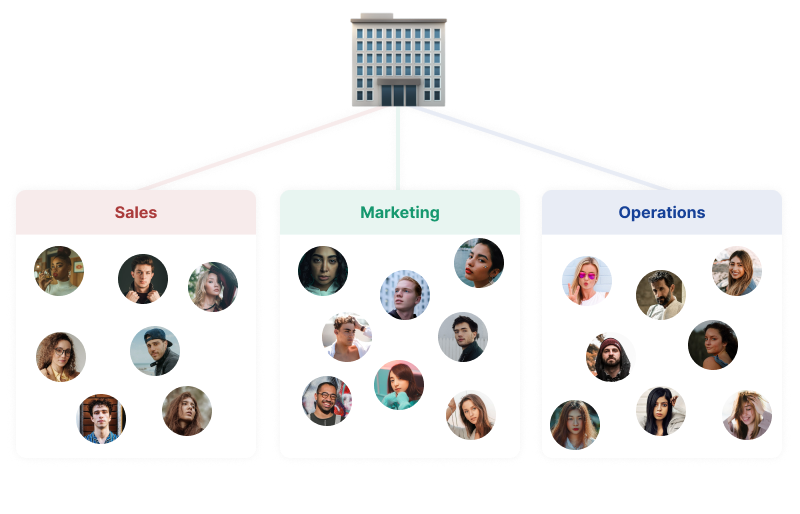
Yes. Use different templates for each department, or show different content by team, location, role or date with one template.
Yes. Spreadly also manages email signatures for Outlook and Microsoft 365. You manage the signatures for all users in one place.
An admin account in the Google Admin console and a verified domain in Spreadly. Client side signatures need a Super Admin to allow API access. Our wizard guides you through every step.