The Essential Guide to QR Business Cards in 2026
17 minutes
17th of January 2026
In this article:
- What Are QR Business Cards?
- Why QR Business Cards Matter in 2026
- How to Create a QR Business Card: Step-by-Step Guide
- Best Practices for Designing Effective QR Business Cards
- Top QR Business Card Tools and Platforms in 2026
- Future Trends and Innovations in QR Business Cards
- Common Mistakes and How to Avoid Them
The business card is transforming as the world rapidly moves from traditional handshakes to digital connections. Are you ready to keep pace?
This essential guide to qr business cards in 2026 will help you navigate the new landscape of professional networking.
Discover what qr business cards are, why they matter now, design strategies, creation steps, top tools, and what the future holds.
Unlock expert insights and practical advice so you can stand out, network smarter, and future-proof your approach to sharing contact information.
What Are QR Business Cards?
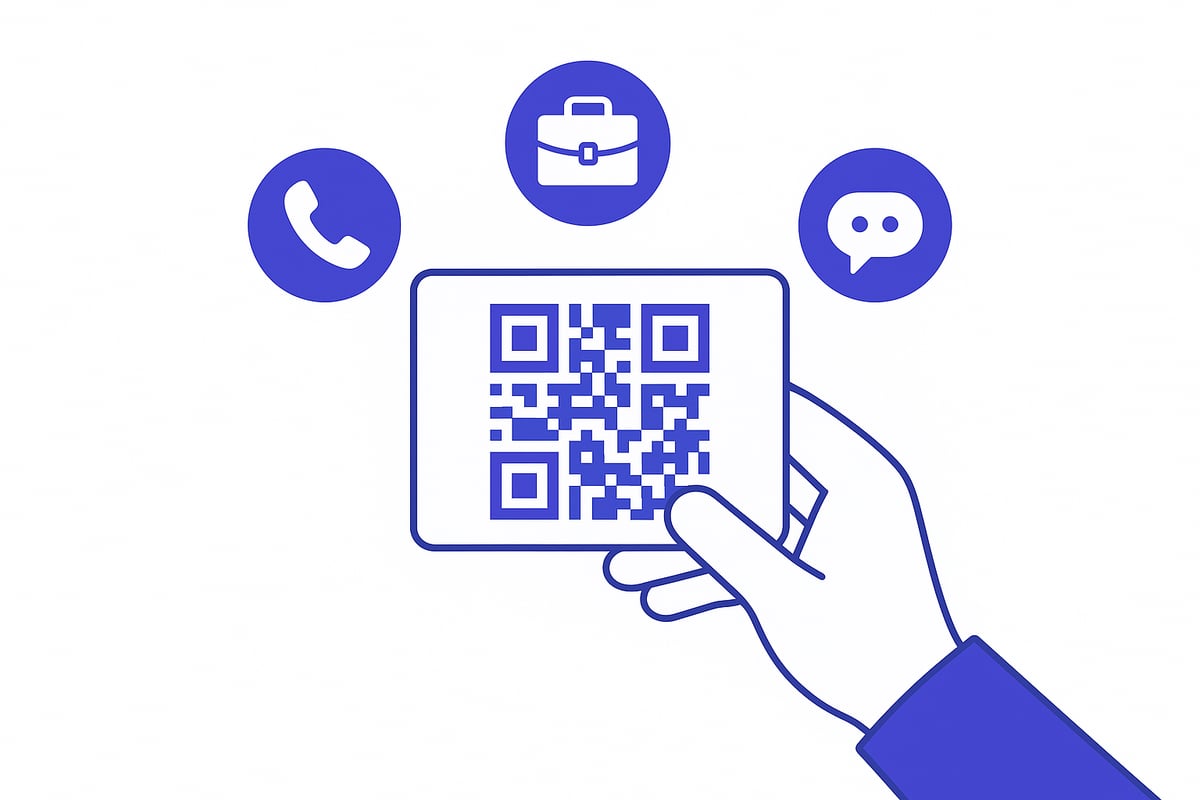
QR business cards are transforming how professionals connect and share information in 2026. By embedding a QR code on a business card, users can instantly bridge the gap between offline introductions and digital engagement. This technology is rapidly becoming the new standard for modern, seamless networking.
Definition and Core Concept
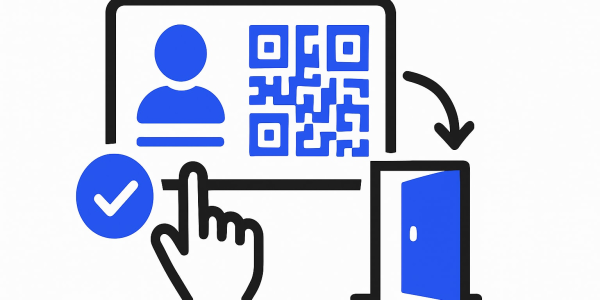
A QR business card combines a traditional or digital card format with a QR code that links directly to your contact details, portfolio, or a custom landing page. QR codes, or Quick Response codes, are two-dimensional barcodes that store data easily scanned by any smartphone camera.
There are two main types:
- Printed cards with a visible QR code
- Fully digital cards, often shared via email or messaging apps
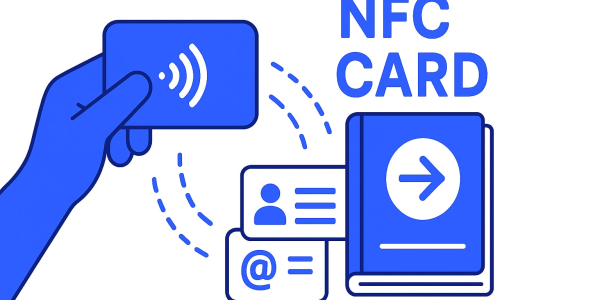
QR business cards differ from NFC cards, which use near-field communication to transfer data, and from vCards, which are digital contact files. The unique advantage of qr business cards lies in their compatibility and ease of use across all devices.
Evolution of the Business Card
Business cards have evolved from simple paper rectangles to powerful digital tools. The shift accelerated during the pandemic, when remote work and touchless interactions became the norm.
QR business cards act as a bridge between the physical and digital worlds. They allow professionals to maintain the personal touch of handing over a card, while instantly connecting recipients to up-to-date information online.
Why QR Business Cards Are Gaining Popularity
The adoption of qr business cards has soared in recent years. According to Global QR Code Usage Statistics 2025, 94% of US smartphone users have scanned a QR code, highlighting the widespread familiarity with this technology.
Businesses appreciate the eco-friendly benefits, as digital cards reduce paper waste and printing costs. Dynamic QR codes mean that any changes to your contact information are instantly updated, eliminating the need to reprint cards.
Key Features and Capabilities
Modern qr business cards offer a wide range of features:
- Embed contact details, websites, portfolios, social media, or videos
- Interactive elements like lead forms, appointment scheduling, or document sharing
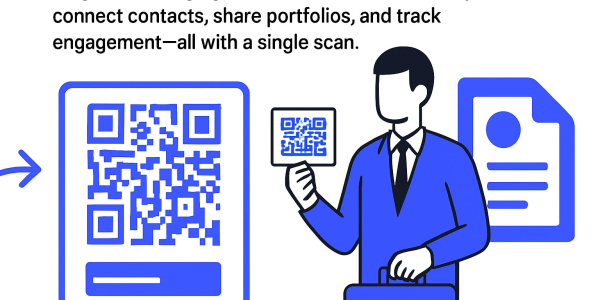
- Analytics to track scans, measure engagement, and monitor conversions
These capabilities allow professionals to turn every introduction into a measurable opportunity, making qr business cards a vital tool for data-driven networking.
Common Use Cases in 2026
In 2026, qr business cards are used across multiple industries:
- Networking at events and conferences
- Sales and marketing teams sharing product information
- Creative professionals linking to multimedia portfolios
- Real estate agents, consultants, and freelancers presenting credentials
With their versatility and instant connectivity, qr business cards empower professionals to make memorable, impactful connections wherever they go.
Why QR Business Cards Matter in 2026
The rapid evolution of professional networking has made qr business cards an essential tool in 2026. As business interactions shift toward digital-first experiences, these cards stand at the intersection of convenience, innovation, and professionalism.

The Digital Transformation of Networking
Touchless and digital networking has become the norm since the pandemic. In 2026, exchanging qr business cards is a standard expectation, not just a novelty. Whether at conferences or virtual meetings, professionals rely on quick, contactless sharing to keep up with fast-paced interactions.
Recent QR Code Trends and Statistics Report 2025 data shows the adoption of qr business cards is accelerating, with more industries integrating them into daily operations. This shift is driven by the need for efficiency and seamless connectivity in a global business landscape.
Enhanced Functionality Over Traditional Cards
Qr business cards offer capabilities far beyond traditional paper cards. With a single scan, contacts can instantly save information to their phones or even sync details directly to a CRM.
Sales teams, for example, leverage qr business cards to capture leads and schedule follow-ups without manual entry. Integration with digital tools allows for appointment booking, document sharing, and real-time updates, making networking smarter and more productive.
Environmental and Economic Benefits
Switching to qr business cards significantly reduces paper waste. Organizations no longer need to reprint cards for every role change or update, which leads to substantial cost savings.
A recent study found that companies can save up to 60 percent on business card expenses by going digital. This eco-friendly approach aligns with broader sustainability goals, making qr business cards a responsible choice for modern enterprises.
Security and Data Privacy Considerations
Security is a top priority for businesses adopting qr business cards. Dynamic QR codes enable controlled sharing, allowing users to update or revoke access as needed.
Many platforms include GDPR compliance features, ensuring data privacy and regulatory adherence. Companies choose qr business cards for better management of employee information, reducing the risk of exposing sensitive data.
Personal Branding and Professional Image
Qr business cards enable creative, memorable first impressions. Users can incorporate logos, brand colors, and even video backgrounds to reflect their professional identity.
Creative professionals, in particular, benefit from linking interactive portfolios or multimedia presentations. These customization options help individuals stand out and leave a lasting impact during networking events.
Accessibility and Inclusivity
Modern qr business cards are designed for everyone. Features like language selection and screen reader compatibility make networking accessible to global and multilingual teams.
By supporting various devices and accessibility standards, qr business cards ensure that all professionals can connect, regardless of physical location or ability.
Challenges and Limitations
Despite their advantages, qr business cards face some challenges. Not all devices scan QR codes equally well, and some users are still unfamiliar with the technology.
Potential security risks exist if non-secure QR generators are used. To overcome these barriers, businesses should prioritize education, choose reputable platforms, and regularly test their qr business cards for compatibility and safety.
How to Create a QR Business Card: Step-by-Step Guide
Creating qr business cards is a straightforward process, but maximizing their impact requires thoughtful planning. Follow this step-by-step guide to ensure your digital card stands out, functions seamlessly, and drives professional connections.
Step 1: Define Your Networking Goals
Begin by setting clear objectives for your qr business cards. Consider what you want recipients to do after scanning your card. Do you want to share contact details, direct them to a portfolio, collect leads, or schedule appointments?
Tailor your card’s content and functionality to your industry and target audience. For example, a salesperson may prioritize CRM integration, while a designer might showcase a multimedia portfolio. Defining these goals ensures your qr business cards reflect your professional brand and deliver real value to each connection.
Step 2: Choose the Right Platform or Tool
Selecting the right platform is critical for creating effective qr business cards. Look for solutions offering easy customization, robust security, analytics, and integration with tools like CRMs or HR systems.
Consider platforms that support both printed and digital formats, and check for features such as dynamic QR codes and compliance with privacy regulations. The rising demand for qr business cards is evident, with QR Code Adoption in North America illustrating just how quickly professionals are embracing this technology.
Compare top options by features:
| Platform | Customization | Analytics | Integrations | Compliance |
|---|---|---|---|---|
| Spreadly | Yes | Yes | CRM, HR | GDPR |
| Canva | Yes | Limited | Some | Basic |
| MOO | Yes | No | No | Basic |
Choose a tool that aligns with your workflow and networking goals for seamless qr business cards creation.
Spreadly: Modern Digital Business Card Solution
Spreadly is a leading solution for modern qr business cards, designed for both individuals and teams. With instant sharing, full custom branding, and built-in lead capture, Spreadly empowers you to create cards in minutes.
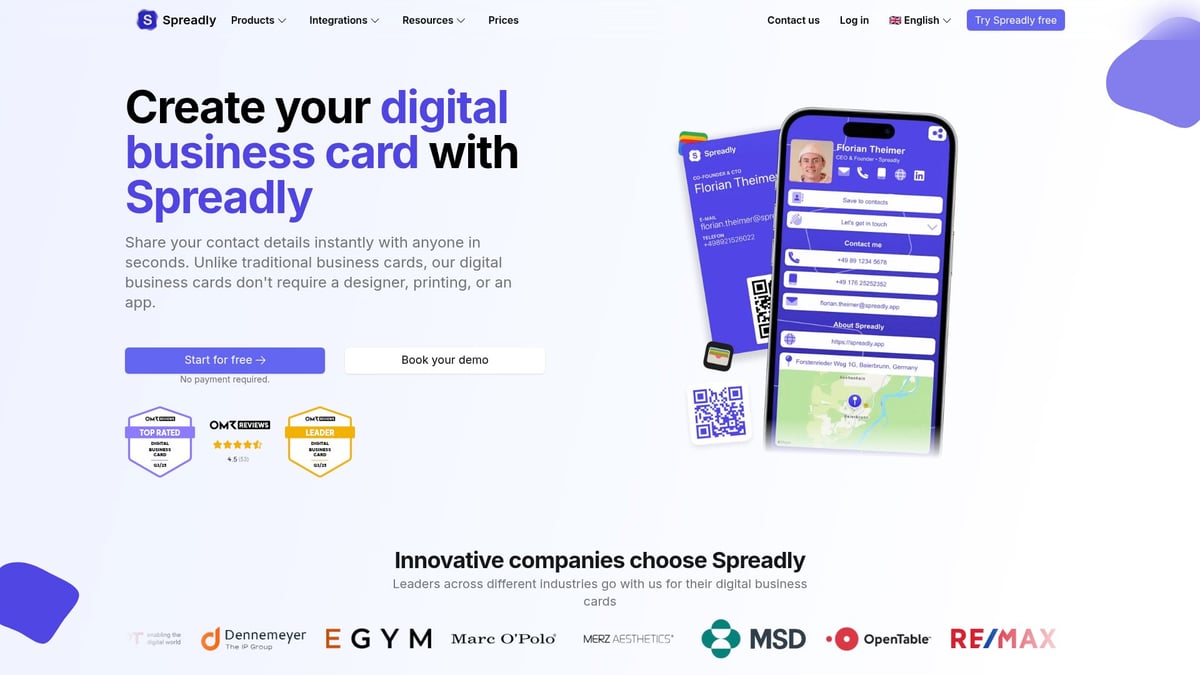
The platform supports CRM and HR integrations, making it simple for organizations to automate card creation and sync employee details. Spreadly’s analytics dashboard tracks engagement, while dynamic QR codes allow for real-time updates. The mobile app and wallet integration ensure your qr business cards are always accessible. Spreadly offers a free plan, making it easy to get started, whether you’re an individual or part of a large enterprise.
Step 3: Design Your Card for Impact
Effective design is crucial for qr business cards. Start with a clean layout: place your logo prominently, use readable fonts, and select high-contrast colors to ensure your QR code stands out.
Position the QR code where it is easily scannable, but does not overpower other elements. Incorporate rich media, such as photos or video thumbnails, to make your card memorable. Prioritize accessibility by using large fonts and strong contrasts, and consider multilingual options for global audiences. A well-designed qr business card leaves a lasting impression and encourages engagement.
Step 4: Generate and Test Your QR Code
After designing your card, generate your QR code. Decide between dynamic and static codes. Dynamic codes let you update information later, while static codes are fixed.
Test your qr business cards across multiple devices and scanning apps to ensure reliability. Check for issues such as low contrast, small size, or broken links. Troubleshoot by adjusting the QR code’s size (minimum 2 x 2 cm recommended), increasing contrast, and verifying all links work. Consistent testing guarantees your qr business cards perform flawlessly in any situation.
Step 5: Print or Digitally Distribute Your Card
Decide how you’ll share your qr business cards. For print, use premium paper and ensure the QR code is crisp and unobstructed. For digital use, add your card to email signatures, digital wallets, or share via link and social media.
If printing, confirm the QR code is scannable under various lighting and from different angles. For digital, explore features like NFC integration or virtual backgrounds. A multi-channel approach increases the reach and effectiveness of your qr business cards.
Step 6: Update, Track, and Optimize
Leverage analytics to monitor how your qr business cards are used. Track scans, engagement, and conversions to understand what resonates with your audience.
With dynamic QR codes, update your details or links instantly without needing to reprint. Use feedback and data to refine your design and content. Regular optimization ensures your qr business cards stay current, impactful, and aligned with your networking strategy.
Best Practices for Designing Effective QR Business Cards
Designing effective qr business cards in 2026 is both an art and a science. The right approach ensures your card is memorable, functional, and represents your professional brand at a glance. Let’s break down the proven strategies for creating impactful qr business cards that stand out in any networking scenario.
Visual Design Principles
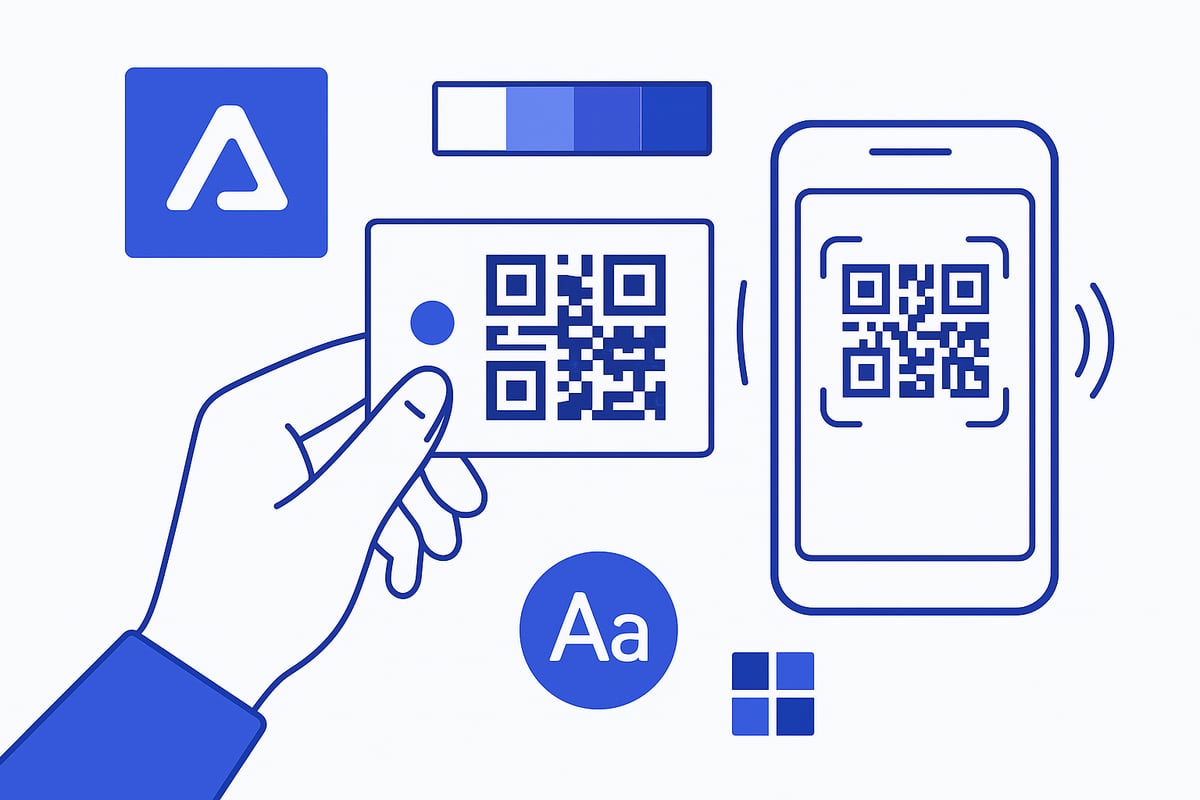
A clean, uncluttered layout is essential for qr business cards. Prioritize readability by using simple fonts and ensuring all key details are easy to spot. High contrast between the QR code and the background is crucial for fast scanning and a polished look.
Incorporate brand elements like logos, company colors, and custom fonts to reinforce your identity. Keep design elements consistent with your other professional materials for a cohesive presence. Remember, less is more—avoid overcrowding your card with unnecessary graphics or lengthy text.
QR Code Placement and Size
The placement and size of your QR code can determine whether your qr business cards are effective or frustrating. Ideally, position the code where it’s immediately visible but doesn’t overshadow your branding. The recommended minimum size is 2 x 2 cm to ensure reliable scanning by any device.
Avoid placing the QR code near edges or folds, as this can lead to distortion during printing. Always leave enough white space around the code to enhance scannability. For digital versions, test the code’s visibility against various backgrounds to prevent blending or poor contrast.
Information Hierarchy
With qr business cards, striking the right balance between brevity and completeness is vital. Display essential information—such as your name, title, and primary contact method—on the card itself. Use the QR code to link to extended details, like portfolios or scheduling links.
Organize information in a logical order, guiding the viewer’s eye from your logo to your contact details and finally to the QR code. This approach streamlines the networking experience and keeps your card visually appealing.
Accessibility and Inclusivity
Design qr business cards with all users in mind. Choose font sizes and color contrasts that are easy to read for everyone, including those with visual impairments. For digital cards, add alternative text to images and QR codes to support screen readers.
Consider providing multilingual options for global teams or events. Accessible design ensures your cards can be used confidently in diverse professional settings and by people of all abilities.
Security and Privacy by Design
Modern qr business cards must prioritize data privacy and security. Use reputable, secure QR code generators that offer features like password protection and dynamic codes, so you can update or revoke access when needed.
Avoid embedding sensitive information directly in the QR code. Instead, link to a secure landing page or profile that can be managed and monitored. This proactive approach protects both your data and your professional reputation.
Testing and Feedback
Before distributing qr business cards, test them across multiple devices and lighting conditions. Scan the QR code using different smartphone models and apps to ensure universal compatibility.
Gather feedback from colleagues or clients to identify any usability issues. This extra step can help you catch potential problems and refine your design before mass distribution, saving time and resources.
Examples and Inspiration
Across industries, businesses are experimenting with innovative qr business cards that integrate interactive elements, video backgrounds, and personalized landing pages. For instance, companies that implement interactive QR cards see up to 38 percent higher engagement.
Market research, such as the QR Code Market Growth Analysis, highlights how qr business cards are driving new standards in networking and digital branding. Explore industry reports and real-world examples to inspire your next design.
Top QR Business Card Tools and Platforms in 2026
Navigating the world of qr business cards in 2026 means choosing the right tools to maximize your networking potential. From all-in-one platforms to specialized generators, today’s solutions cater to every business size and need. Selecting the best tool ensures your digital presence is as polished and effective as your in-person introduction.
Comprehensive Digital Business Card Platforms
Leading platforms like Spreadly, HiHello, and Linq offer robust solutions for qr business cards. These tools provide features such as real-time editing, analytics, custom branding, and seamless CRM integration. For example, Spreadly empowers teams with instant card creation, GDPR compliance, and wallet compatibility.
| Platform | Key Features | Best For |
|---|---|---|
| Spreadly | Branding, analytics, CRM | Teams, enterprises |
| HiHello | User-friendly, mobile app | Individuals, small teams |
| Linq | NFC, integrations | Hybrid networking |
Choosing a top platform can streamline your contact sharing and boost professional impact with qr business cards.
Online Design and Print Services
Services like Canva, MOO, and Adobe Express bridge the gap between digital and print. Canva offers easy-to-customize templates for qr business cards, while MOO delivers high-quality prints with eco-friendly materials. Adobe Express enables flexible design with integration into the Adobe ecosystem.
These tools are ideal for professionals seeking visually appealing cards with both digital and physical options.
Specialized QR Code Generators
If you need to focus on the QR element itself, tools like QRCode Monkey and QRStuff let you create static or dynamic qr business cards quickly. These generators provide customization and download options, but often lack integrated analytics or branding controls.
Use standalone generators for simple needs, but consider all-in-one platforms for advanced features and better management of qr business cards.
Integration with Other Tools
Modern platforms allow seamless integration with CRM and HR systems. For example, sales teams can sync qr business cards directly to Salesforce or HubSpot, ensuring leads are captured instantly. HR integrations support automated card updates for onboarding or role changes.
This connectivity streamlines workflows and ensures data accuracy across your organization.
Mobile and Wallet Integration
Many qr business cards platforms now offer Apple Wallet and Google Wallet compatibility for quick sharing on the go. NFC-enabled physical cards combine the convenience of digital networking with tactile interaction, perfect for hybrid events and tech-forward users.
Digital wallet support makes sharing contact details as easy as a tap, keeping you prepared for any networking scenario.
Security and Compliance Features
Prioritizing security, leading qr business cards platforms incorporate GDPR compliance, audit trails, and access controls. These features protect sensitive information and help organizations meet regulatory standards.
Always select a solution that prioritizes your data privacy, especially when scaling across teams or industries.
Pricing and Accessibility
The qr business cards market offers options for every budget. Free plans are available for individuals and small teams, while enterprises can unlock advanced analytics, integrations, and security at higher tiers. Accessibility features, such as multilingual support and screen reader compatibility, are increasingly standard.
This range ensures that qr business cards are within reach for freelancers, startups, and global corporations alike.
Future Trends and Innovations in QR Business Cards
The future of qr business cards is rapidly unfolding, driven by advancements in technology and changing expectations for professional networking. As we look ahead to 2026, several key trends are shaping how individuals and organizations will connect, share, and manage business information.
AI and Automation in Networking
AI is revolutionizing qr business cards by streamlining how contacts are captured and managed. Imagine attending a conference where your card automatically recognizes leads and logs their details into your CRM. Automated follow-ups are triggered based on scan activity, ensuring you never miss an opportunity.
Some platforms now offer smart recommendations for who to connect with next, learning from your networking patterns. This automation not only saves time but also enhances the overall effectiveness of qr business cards in building meaningful relationships.
Integration with Emerging Technologies
Qr business cards are becoming more powerful through integration with technologies like NFC, augmented reality, and digital wallets. NFC-enabled cards allow instant sharing with a tap, while AR can overlay personalized content when a card is scanned.
Virtual backgrounds and digital wallet compatibility are making qr business cards more versatile for remote and hybrid events. These innovations ensure your card remains relevant and functional as digital networking environments evolve.
Personalization and Interactivity
Personalization is at the heart of the next generation of qr business cards. Video backgrounds, interactive portfolios, and real-time updates let professionals stand out in crowded marketplaces. Imagine a card that adapts its landing page content based on who scans it or when.
Interactive features such as live chat, appointment scheduling, and embedded media make qr business cards more engaging. This level of interactivity turns a simple card into a dynamic networking tool.
Sustainability and Eco-Friendliness
As organizations prioritize environmental responsibility, qr business cards offer a sustainable alternative to traditional paper cards. By reducing paper waste and the need for frequent reprints, companies contribute to their ESG goals.
Digital cards support remote work and global teams, minimizing shipping and printing costs. The shift to qr business cards is not only eco-friendly but also aligns with the values of modern professionals.
Analytics and Data-Driven Networking
Advanced analytics are transforming how qr business cards are used. Platforms can now track scans, engagement rates, and conversions, providing valuable insights into networking ROI. This data helps professionals refine their strategies for better results.
A simple dashboard can show which events generated the most scans or which content was most engaging. Data-driven networking ensures that every interaction with qr business cards is meaningful and measurable.
Security and Privacy Enhancements
Security is a top concern for digital networking. Modern qr business cards use encrypted QR codes, biometric authentication, and compliance features to protect sensitive information. Users can control what data is shared and revoke access when necessary.
GDPR-compliant platforms and detailed audit trails provide peace of mind for both individuals and enterprises. As digital cards become standard, these security enhancements will be essential for trust in qr business cards.
The Evolving Role of Business Cards
Qr business cards are transitioning from simple contact-sharing tools to comprehensive platforms for lead generation and brand storytelling. In 2026, professionals use their cards to showcase portfolios, capture leads, and deliver tailored experiences.
Leading platforms report millions of digital cards shared annually, reflecting their growing importance. As qr business cards become the global standard, staying ahead of these trends will be crucial for effective networking.
Common Mistakes and How to Avoid Them
Networking with qr business cards offers endless possibilities, but small oversights can limit their effectiveness. By understanding these common mistakes, you can ensure your qr business cards leave a professional impression every time.
Poor QR Code Placement or Size
If the QR code is too small or placed near the edge, scanning can fail. Always ensure the QR code is at least 2 x 2 cm and located where it is easy to find and scan. Avoid placing it near folds or busy backgrounds. Test your qr business cards in different lighting and from various angles to guarantee reliability.
Overloading the Card with Information
Trying to fit too much detail onto your qr business cards leads to clutter and confusion. Prioritize essential information, such as your name and job title, on the visible card. Use the QR code to direct contacts to a more comprehensive digital profile, portfolio, or contact form.
Using Low-Quality or Non-Secure QR Generators
Choosing unreliable QR code generators can result in broken links, poor scanning, or even security breaches. Always use reputable platforms that offer secure, dynamic QR codes and encryption. This protects both your information and your contacts when sharing qr business cards.
Failing to Test Across Devices
Not all smartphones and apps interpret QR codes the same way. Before distributing qr business cards, test them on multiple devices and operating systems. This ensures everyone you meet can easily access your information, regardless of their technology.
Neglecting Accessibility
Small fonts, low color contrast, or missing alternative text can make qr business cards unusable for some recipients. Opt for readable fonts, high-contrast colors, and, for digital versions, include alt text for the QR code. This makes your card inclusive for all users.
Not Updating Information Regularly
Outdated contact details harm your professional image and lead to missed opportunities. Use dynamic QR codes that allow you to update your information instantly without reprinting qr business cards. Set reminders to review and refresh your details periodically.
Ignoring Analytics and Feedback
Without monitoring analytics, you miss valuable data about how often your qr business cards are scanned or which links are most popular. Choose platforms that provide insights, then use this feedback to refine your networking strategy and improve card performance.
By avoiding these pitfalls and following best practices, your qr business cards will consistently support your networking goals and help you make lasting connections.
If you’re ready to put these insights into action and experience the benefits of seamless, modern networking, there’s no better time to start. With everything you’ve learned about QR business cards—from customization and instant sharing to powerful integrations—you have a clear path to transforming how you connect in 2026. Spreadly makes it easy to create a professional digital business card that’s always up to date, fully branded, and ready for any networking scenario. You don’t need any design skills or special software—just a few minutes and your unique touch. Why not try for free and see the difference for yourself?