The Expert Guide to QR Code Business Card Creator 2026
14 minutes
31st of December 2025
In this article:
- The Rise of QR Code Business Cards in 2026
- Essential Features of a Modern QR Code Business Card Creator
- Step-by-Step Guide: Creating a QR Code Business Card in 2026
- Best Practices for Maximizing the Impact of Your QR Code Business Card
- Future Trends: QR Code Business Cards and Networking Beyond 2026
In 2026, the world of professional networking is undergoing a digital revolution. Traditional paper business cards are rapidly giving way to smarter, contactless alternatives, with QR code business cards leading the charge.
As adoption rates soar, professionals need expert guidance to leverage these tools effectively. This guide focuses on the qr code business card creator, offering insights that help you stand out and streamline your networking process.
You will learn how to select, design, and deploy impactful QR code business cards. Explore essential features, integration strategies, step-by-step creation, and real-world examples. Ready to transform your approach and maximize your connections in the digital age?
The Rise of QR Code Business Cards in 2026
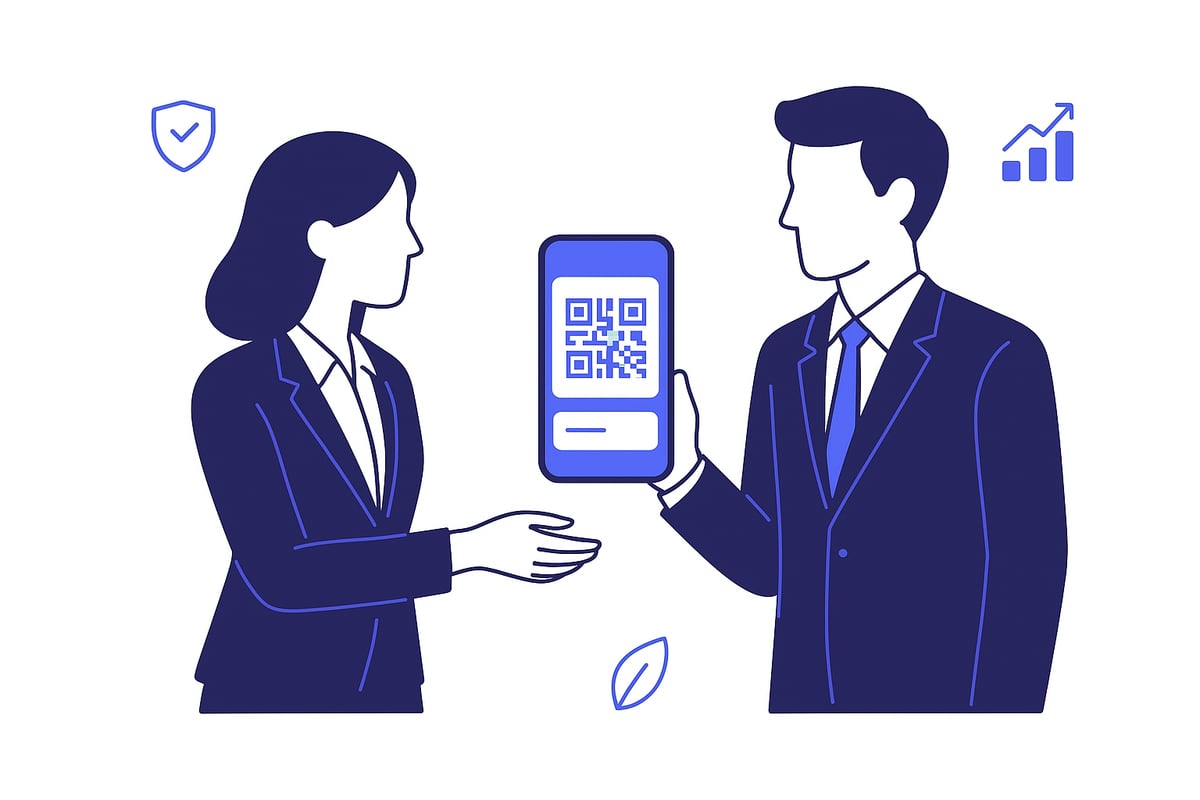
The professional networking landscape is transforming rapidly as digital solutions reshape how connections are made. QR code business card creator platforms are at the forefront of this shift, enabling seamless, contactless exchanges that meet the demands of modern business. Let us explore the key drivers behind this rise and how the qr code business card creator is shaping professional interactions in 2026.
The Shift from Paper to Digital
Traditional business cards are quickly becoming relics of the past. According to Statista, 70 percent of professionals now prefer digital cards, driven by both convenience and necessity. The qr code business card creator answers the growing call for instant, touch-free exchanges, especially valued after recent global health concerns.
Switching to digital cards offers clear benefits:
- Reduced paper waste, contributing to sustainability goals.
- Lower costs over time as printing becomes obsolete.
- Faster, more reliable information sharing in any setting.
This migration is not just about convenience; it is a strategic move toward smarter, greener networking. The qr code business card creator is now a key tool for professionals who value both efficiency and environmental responsibility.
Advantages of QR Code Business Cards
A qr code business card creator unlocks a range of advantages that paper cards simply cannot match. The most notable is instant sharing—recipients can scan a code and save your details in seconds, minimizing manual data entry.
Other standout benefits include:
- Real-time updates, so your contact or business info is always current.
- Enhanced interactivity, letting you embed videos, portfolios, or social links directly into your card.
- Convenience for remote or hybrid teams who need flexible solutions.
With a qr code business card creator, professionals can ensure their first impression is both memorable and technologically advanced, setting themselves apart in competitive industries.
Industry Adoption and Use Cases
Widespread adoption of qr code business card creator tools is apparent across various sectors. Sales and marketing professionals leverage digital cards to streamline lead collection. Tech teams use them to showcase portfolios and project links. Event organizers now prefer QR codes for attendee networking at conferences.
Consider these use cases:
- Major conferences now issue QR-based digital badges instead of paper cards.
- Remote teams share contact details effortlessly during virtual meetings.
- Hybrid workplaces use qr code business card creator solutions to keep employee records updated and accessible.
As these trends accelerate, digital cards are becoming the standard for forward-thinking organizations.
Security and Privacy Considerations
Security is a top priority for any qr code business card creator. Modern platforms offer robust privacy controls, allowing users to choose what information is shared and with whom. Built-in GDPR compliance ensures data handling respects all legal requirements.
Key security features include:
- User permission settings for controlled data sharing.
- End-to-end encryption to protect sensitive details.
- Centralized management for enterprise oversight.
By prioritizing privacy, qr code business card creator platforms build trust and confidence among users and organizations.
Statistics and Market Growth
The qr code business card creator market is experiencing significant growth, reflecting its role in digital transformation. Industry reports project the digital business card platform sector to reach 1.2 billion dollars in 2026. Over four million QR business cards are shared every month, a number that continues to rise as more professionals and businesses adopt this technology.
For deeper insight into the evolving landscape and future projections, the Digital business card market analysis provides comprehensive data on growth trends and emerging opportunities in this field.
The growing adoption of qr code business card creator tools signals a new era for networking, where efficiency, security, and sustainability are at the core of every connection.
Essential Features of a Modern QR Code Business Card Creator
Choosing a powerful qr code business card creator in 2026 means more than simply generating a code with contact info. Modern solutions offer a comprehensive toolkit for branding, integration, analytics, and security. Let us break down the essential features that define the leaders in this space.
Customization and Branding Capabilities
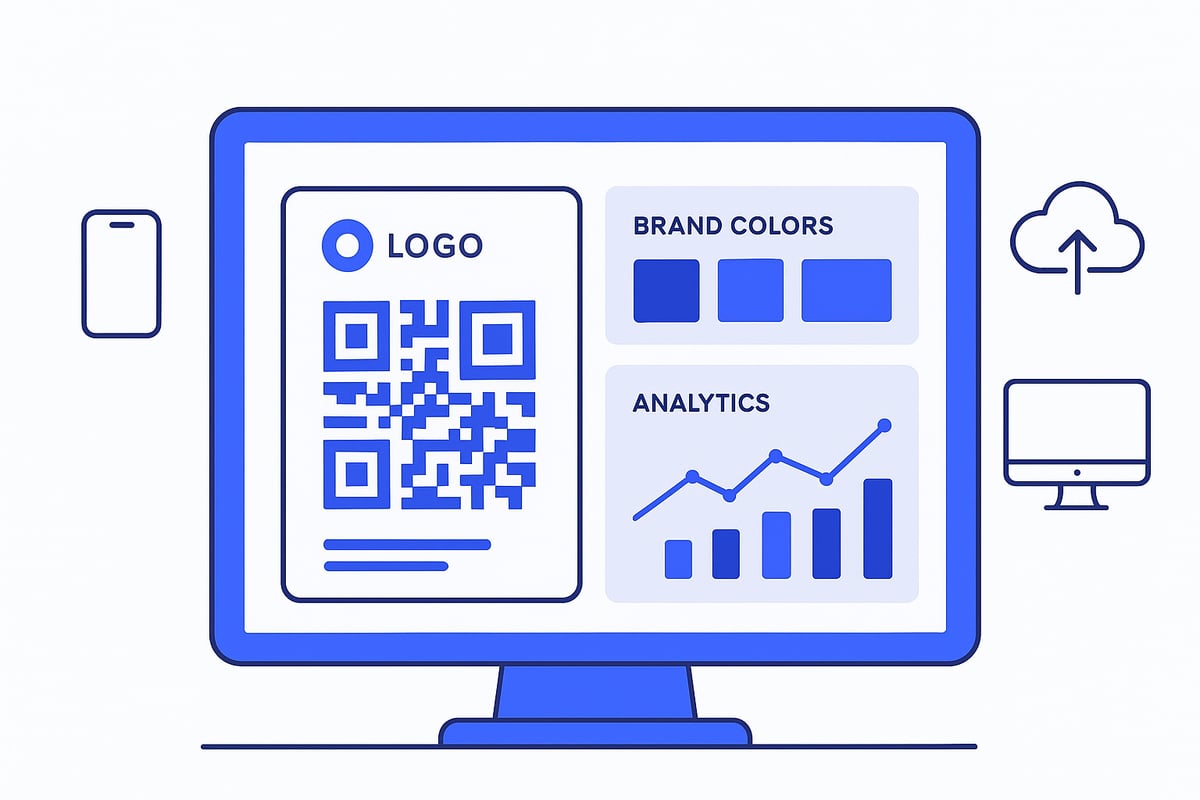
A top-tier qr code business card creator allows you to fully express your brand identity. Look for solutions that support:
- Logo uploads for instant recognition
- Custom color palettes and font selections
- Flexible layouts to match your visual guidelines
- Interactive backgrounds, including photos or videos
This level of customization ensures every card not only looks professional but also aligns with your company’s image. Consistency across digital assets is vital for brand trust and recall.
Multi-Platform Accessibility
Accessibility is non-negotiable in 2026. The best qr code business card creator ensures your digital card works wherever your contacts are. Must-have options include:
- Web access and dedicated iOS/Android apps
- Compatibility with Google and Apple Wallets
- Seamless sharing via personal links, NFC, and email signatures
- Browser-based access for instant updates
This flexibility enables real-time sharing, whether networking at events or connecting remotely. Your card is always within reach, no matter the device.
Lead Capture and CRM Integration
A modern qr code business card creator does more than share static information. Look for:
- Built-in lead forms to collect prospect data on the spot
- AI-powered card scanners for digitizing paper cards
- Direct connections to major CRMs like Salesforce, HubSpot, or Microsoft Dynamics
With these tools, every introduction becomes a potential lead in your pipeline. Automated syncing reduces manual entry and accelerates follow-up.
Security, Compliance, and Data Privacy
Data protection is paramount for any qr code business card creator. Seek features such as:
- End-to-end encryption for all shared data
- GDPR compliance and transparent privacy controls
- User permission settings for data access
- Centralized admin controls for enterprise oversight
These safeguards build trust with contacts and keep your organization compliant with global standards.
Analytics and Engagement Tracking
Understanding how your cards perform is essential. Advanced qr code business card creator platforms provide:
- Real-time tracking of card views, shares, and follow-ups
- Engagement metrics to measure networking ROI
- Insights on which channels drive the most scans
According to the State of QR codes 2025 industry report, analytics have become a differentiator, empowering businesses to refine digital networking strategies based on real data.
User Management and Team Features
For organizations, managing hundreds or thousands of digital cards is a challenge. Leading qr code business card creator tools offer:
- Bulk onboarding for new team members
- Integration with HR systems like BambooHR and Entra ID
- Centralized branding and permission management
- Role-based access and instant updates for all users
These features ensure every team member’s card is up to date and on brand, no matter how large your workforce grows.
Example: Spreadly – A Leading QR Code Business Card Solution
Spreadly stands out as a qr code business card creator trusted by global brands. Its platform delivers:
- Instant sharing with no app required
- Advanced customization, including interactive media
- Built-in lead capture and seamless CRM/HR integrations
- Team onboarding and centralized management
Organizations such as American Express GBT and Volkswagen Financial Services rely on Spreadly for scalable, GDPR-compliant digital networking. Whether you are an individual or part of a large enterprise, Spreadly adapts to your needs and delivers measurable engagement results.
Step-by-Step Guide: Creating a QR Code Business Card in 2026
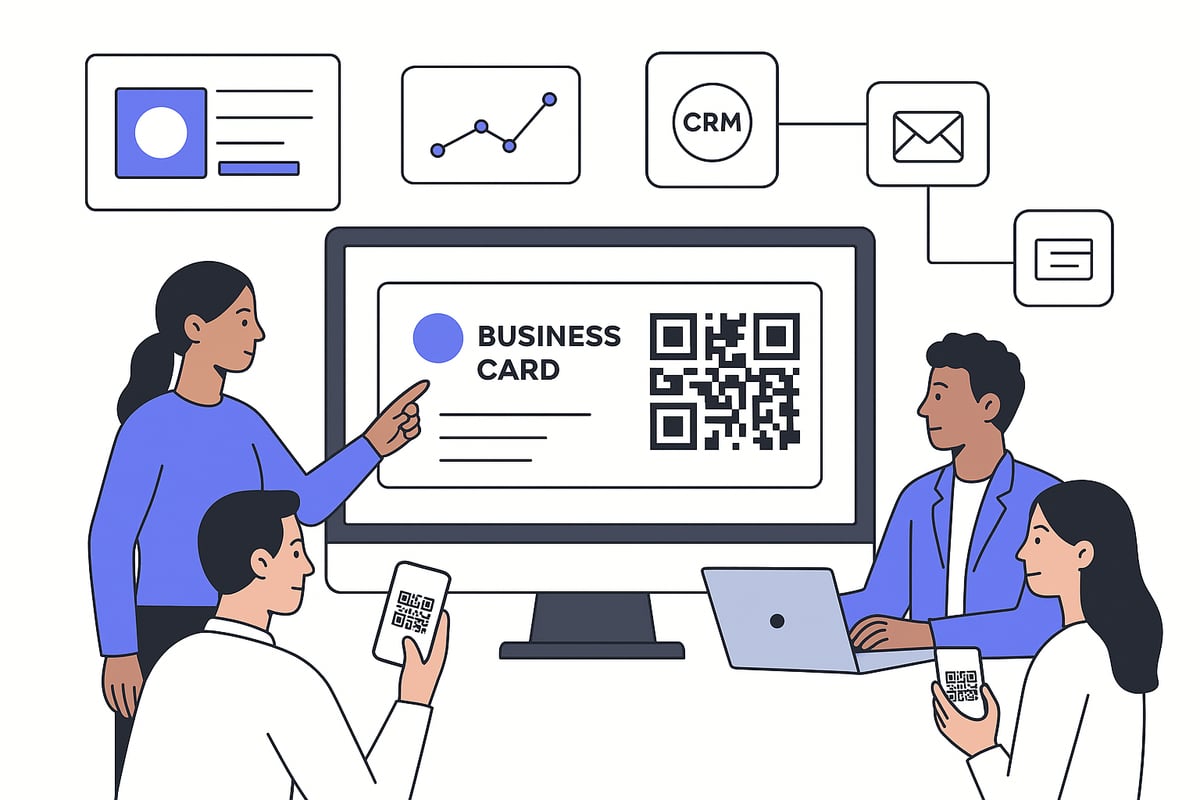
Creating a digital business card is now a must for professionals aiming to make lasting connections. The process is straightforward but requires careful attention at each stage. Let’s walk through every step to ensure you deploy a powerful card using a qr code business card creator in 2026.
Step 1: Select the Right QR Code Business Card Creator
Begin by choosing a qr code business card creator that fits your needs. Look for platforms offering robust customization, seamless integrations, reliable security, detailed analytics, and broad platform compatibility.
Consider these criteria:
- Custom branding options (logo, colors, fonts)
- CRM and HR system integrations
- GDPR compliance and privacy settings
- Compatibility with web, mobile, and wallet apps
- Analytics to track engagement
Compare leading solutions using user reviews and feature tables. For the latest insights into regional adoption and platform trends, consult resources like the Global QR code adoption report 2025.
Step 2: Design and Personalize Your Card
With your qr code business card creator selected, start designing your card for maximum impact. Upload your company logo, select brand colors, and choose professional fonts to ensure consistency.
Add interactive elements such as:
- Profile photo or banner image
- Videos or animated backgrounds
- Social media and portfolio links
Keep the layout mobile-friendly, visually appealing, and easy to scan. Effective design helps your card stand out and encourages recipients to engage.
Step 3: Input and Organize Contact Information
Next, use your qr code business card creator to add and organize essential contact details. Begin with your name, job title, company, phone, email, and website.
Optional fields to enhance networking:
- Calendar booking links (e.g., Calendly)
- Product demo or explainer video
- Custom lead capture forms
Group related information logically for clarity. Review your entries for accuracy and relevance before moving to the next step.
Step 4: Generate and Test the QR Code
Once your card is ready, generate a unique QR code using the qr code business card creator. This code links directly to your digital card, making sharing effortless.
Always test the QR code across multiple devices and platforms:
- Scan with iOS and Android devices
- Check on desktop and mobile browsers
- Verify in low-light and high-glare conditions
If you encounter scanning issues, adjust the QR code’s size or contrast. Most creators offer troubleshooting guides to resolve common problems.
Step 5: Integrate with Wallets, Email Signatures, and CRM
Seamless integration is a key advantage of a modern qr code business card creator. Add your card to Apple Wallet or Google Wallet for instant access at events.
Other integration strategies:
- Embed the QR code in your email signature
- Place it in virtual meeting backgrounds
- Sync new contacts and leads directly to your CRM system
These integrations ensure your card is always accessible and your networking workflow is streamlined.
Step 6: Share and Track Engagement
Distribute your card using various channels supported by the qr code business card creator. Options include NFC-enabled physical cards, personalized links, event badges, and direct email.
Monitor analytics to measure effectiveness:
- Number of scans and shares
- Time spent viewing your card
- Follow-up actions and conversions
Use this data to refine your approach and maximize networking ROI.
Step 7: Update and Manage Cards Over Time
A qr code business card creator makes it easy to update your information as your role or contact details change. Edit your card in real time and push updates instantly to all recipients.
For teams, centralized management enables:
- Bulk updates to branding or contact info
- Permission controls for user roles
- Integration with HR systems for onboarding/offboarding
Regularly review your card to ensure it reflects your most current professional presence.
Best Practices for Maximizing the Impact of Your QR Code Business Card
Creating a successful digital presence starts with a well-crafted qr code business card creator strategy. To maximize the impact of your card, focus on design, engagement, integration, privacy, measurement, and real-world results. These best practices ensure your digital business card stands out, drives meaningful connections, and supports your professional goals.
Designing for Engagement and Professionalism
First impressions are vital in digital networking. Use your qr code business card creator to maintain consistent branding and a polished look. Choose high-resolution images, your company logo, and a clear color palette that matches your brand.
Keep information concise and relevant. Avoid clutter by including only essential contact details. Select fonts that are easy to read on mobile devices. Test your card on different screens to ensure a seamless experience for every recipient.
- Use professional headshots and branded backgrounds
- Limit text to key details
- Highlight your unique value proposition visually
A visually appealing card increases the likelihood of engagement and leaves a lasting impression.
Encouraging Scans and Interactions
To boost card usage, your qr code business card creator should make it easy for others to scan and interact. Place your QR code in visible locations at events, in presentations, and on virtual backgrounds.
Offer incentives for scanning, such as exclusive resources, discounts, or instant calendar invites. Use compelling calls to action like "Scan to connect" or "Access my portfolio." Ensure the QR code is large enough to be scanned from a distance.
- Display QR codes on badges, booths, and signage
- Share via email signatures and social profiles
- Track which methods drive the most scans
Encouraging active participation turns passive contacts into engaged connections.
Integrating with Networking Strategies
Your qr code business card creator should fit seamlessly into your broader networking strategy. Link your card to LinkedIn, your website, or a digital portfolio for deeper engagement.
Sync contact data with your CRM to automate follow-ups. Use the card at conferences, trade shows, and both in-person and virtual events. Combine QR card distribution with personalized email outreach for higher response rates.
- Connect QR cards to CRM workflows
- Use at industry events and webinars
- Pair with social media campaigns
This approach ensures every contact is captured and nurtured effectively.
Privacy and Security Tips
Protecting your information is crucial when using a qr code business card creator. Limit public access to sensitive data by controlling who can view or save your card. Use privacy settings to restrict fields like personal phone numbers or confidential links.
For highly sensitive exchanges, consider password protection or time-limited links. Familiarize yourself with security standards for QR codes to prevent misuse. Professionals working in regulated industries may benefit from reviewing EMV QR code specifications for payments to understand best practices for secure QR code generation.
- Enable user permissions and access controls
- Use encrypted links for confidential data
- Monitor for unauthorized sharing
A secure card builds trust and safeguards your professional reputation.
Measuring Success and Continuous Improvement
To determine the effectiveness of your qr code business card creator, set clear KPIs and track performance over time. Use built-in analytics to monitor scans, shares, and conversions.
Regularly review which card elements drive the most engagement. Adjust your design, messaging, or placement based on data insights. Continuous improvement ensures your digital business card remains effective as trends and technologies evolve.
- Track number of scans and unique viewers
- Measure lead conversions and follow-up rates
- Refine card elements using analytics feedback
Data-driven decisions help you get the most value from your networking efforts.
Real-World Success Stories
Many organizations have transformed their networking results using a qr code business card creator. For example, a tech startup reported a 38 percent increase in lead capture after switching to digital cards at industry events.
Industry benchmarks show that companies using digital QR business cards see higher engagement rates and faster follow-ups compared to traditional paper cards. These success stories highlight the potential for measurable growth and stronger relationships through modern networking tools.
Whether you are an individual professional or part of a large team, leveraging these best practices will help you achieve maximum impact and set you apart in the digital age.
Future Trends: QR Code Business Cards and Networking Beyond 2026
The landscape of digital networking is evolving at a rapid pace. As we look beyond 2026, several trends are set to shape the future of the qr code business card creator market. Professionals and businesses alike will need to adapt to embrace new technologies and opportunities.
AI and Automation in Digital Networking
Artificial intelligence is transforming how we connect and follow up in business. The next generation of qr code business card creator tools will leverage AI to suggest contacts, automate follow-ups, and sync networking data across platforms. Imagine attending an event where your digital card automatically recommends new leads based on your profile.
Automation will also streamline integration with HR and CRM systems. This means less manual data entry and fewer missed opportunities. As AI continues to advance, expect smarter, more proactive networking experiences.
Enhanced Interactivity and Personalization
Personalization is becoming a core expectation for every qr code business card creator. New platforms will allow cards to adapt in real time, displaying content tailored to the recipient’s interests or industry. Features such as embedded videos, interactive portfolios, and clickable social links will become standard.
Augmented reality and virtual reality elements will further enhance engagement. Picture a business card that launches an immersive 3D introduction when scanned. These innovations will help professionals stand out and make memorable first impressions.
Integration with Wearables and IoT Devices
Wearable technology is set to play a major role in the future of qr code business card creator solutions. Smartwatches, NFC badges, and other connected devices will enable seamless sharing in any environment. Imagine exchanging contact details with a simple tap of your wrist during meetings or conferences.
IoT integration will support networking in smart offices and event venues. These advancements will make digital business cards even more accessible and convenient for users on the go.
Global Adoption and Cross-Platform Compatibility
As globalization accelerates, qr code business card creator platforms must support multilingual and cross-platform experiences. Future solutions will offer comprehensive localization features, ensuring smooth networking across borders and cultures. Universal QR code formats will enable sharing between any device or operating system.
This global approach will break down barriers for international teams, remote workers, and diverse audiences. Expect to see expanded support for regional standards and compliance as adoption increases worldwide.
Security Innovations and Digital Identity Management
With the rise of digital networking, security is paramount for any qr code business card creator. Blockchain technology will likely be used to verify identities and protect sensitive data. Advanced privacy controls will give users more control over what information they share, and with whom.
Consent management tools will ensure compliance with evolving regulations. These features will help organizations maintain trust while embracing the convenience of digital networking.
Sustainability and the End of Paper Cards
Environmental concerns are driving the shift to digital solutions. Every qr code business card creator helps reduce paper waste and the carbon footprint of traditional networking. Companies are increasingly using digital cards in their sustainability reporting and digital transformation initiatives.
By going paperless, organizations demonstrate their commitment to the environment and modern best practices. This shift supports both cost savings and corporate responsibility goals.
Market Outlook and Industry Projections
The digital business card market is poised for significant growth. Industry analysts predict that by 2028, up to 85% of professionals will use digital cards. Emerging markets in Asia, Africa, and South America are set to drive much of this expansion.
Adoption rates will rise as more businesses recognize the benefits of qr code business card creator platforms. As technology matures, expect even greater innovation and integration across the networking landscape.
As you’ve seen, QR code business cards are transforming the way we share and manage professional connections—offering instant updates, rich media, and seamless integration with your favorite tools. If you’re ready to experience how easy it is to create and personalize your own digital card, why not take the next step and see the possibilities for yourself? You can get started in just minutes, with no payment or commitment required. Discover how simple and powerful modern networking can be when you try for free.