Best Business Card Generators for Quick, Free Designs
8 minutes
12th of November 2026
In this article:
- What a business card generator should give you
- 1. Canva Free Business Card Maker
- 2. Adobe Express Free Business Card Maker
- 3. Canva Business Card Printing
- 4. Spreadly Free Digital Business Card
- Comparison of the options
- How a business card generator handles print specs
- Why trade show teams need more than a design
- Choosing between print and digital
- Practical tips for faster, better cards
- Frequently asked questions
A business card generator is an online tool that turns your name, title and contact details into a finished card layout in minutes, usually from a template and often at no cost. For most people the best free options today are Canva and Adobe Express for print-ready designs, and a digital card tool when you need leads and follow-ups to flow into a CRM instead of a stack of paper.
This guide compares the free generators worth your time, explains the size and file specs that decide whether a design prints cleanly, and covers a point that matters to sales and event teams: what happens to a contact after you hand over the card.
What a business card generator should give you
A good generator removes design work without removing control. Before you compare tools, check these basics:
- Correct size and bleed. The standard US card is 3.5 × 2 inches (88.9 × 50.8 mm), or 1050 × 600 pixels at 300 DPI, according to the VistaPrint business card dimensions guide.
- Usable export formats. JPEG, PNG and print-ready PDF cover nearly every printer and screen.
- Brand control. Your logo, colors and fonts should be editable, not locked to a template.
- A QR code option. A scannable code lets a printed card point to details you can change later.
- A path beyond paper. Cards that end in a drawer lose leads; cards that connect to a link or CRM keep them.
For a deeper walkthrough of the design side, the business card maker guide covers layout choices in more detail.
1. Canva Free Business Card Maker
Canva's free card maker is a template-based editor that lets you design a card at no cost and add a QR code with a few clicks. It suits quick, one-off designs where speed matters more than advanced brand controls.
- Price: $0 to design; printed cards start from $15.50 for 50
- Sizes: Standard landscape 3.5 × 2 inches; standard portrait 2 × 3.5 inches
- Export: JPEG, PNG or print-ready PDF
- Templates: Free library; printing is a separate purchase
Best for: Anyone who needs a clean, template-driven design in a few minutes and wants to add a QR code without extra tools.
Verdict: The fastest route from a blank screen to a usable card, with printing treated as an optional extra.
2. Adobe Express Free Business Card Maker
Adobe Express is a browser-based editor that gives you thousands of free templates and the option to order prints once the design is done. It fits users who want a polished editor with Adobe's tooling behind it.
- Price: $0 to design; print pricing is not shown here
- Sizes: Standard horizontal 3.5 × 2 inches; standard vertical 2 × 3.5 inches
- Templates: Thousands included in the free plan
- Sharing: Designs can be saved and shared; virtual business card templates are also available for on-screen use
Best for: Teams already comfortable with Adobe's interface who want more refined layout and typography control than a basic template swap.
Verdict: A strong free editor with a professional finish, best when you plan to refine the design rather than accept a template as is.
3. Canva Business Card Printing
Canva's printing service is the paid second step after a free design, built for people who want a broad template library and professional prints from the same account. It is a print route, so it suits readers who have settled on paper.
- Price: About $45 to $180 for 500 cards
- Minimum order: 50 cards
- Shipping: Free
- Templates: A library of free templates, with 7,664 listed by the review it is drawn from
Best for: Readers who want to design for free, then order a finished batch without moving files to another vendor.
Verdict: Convenient for a single print run; the cost rises quickly if details change often.
4. Spreadly Free Digital Business Card
Spreadly's Free Digital Business Card is a digital alternative to a printed design: you build the card once and share it through a QR code, a personal link, Apple Wallet or Google Wallet. Details update in real time, and setup takes under 2 minutes.
- Price: Free to start, no payment required to begin
- Sharing: QR code, link, Apple Wallet, Google Wallet
- Design: Customizable layout, with your own logo and brand colors
- Updates: Contact details stay current through one link and QR code, with no reprints after a job or number change
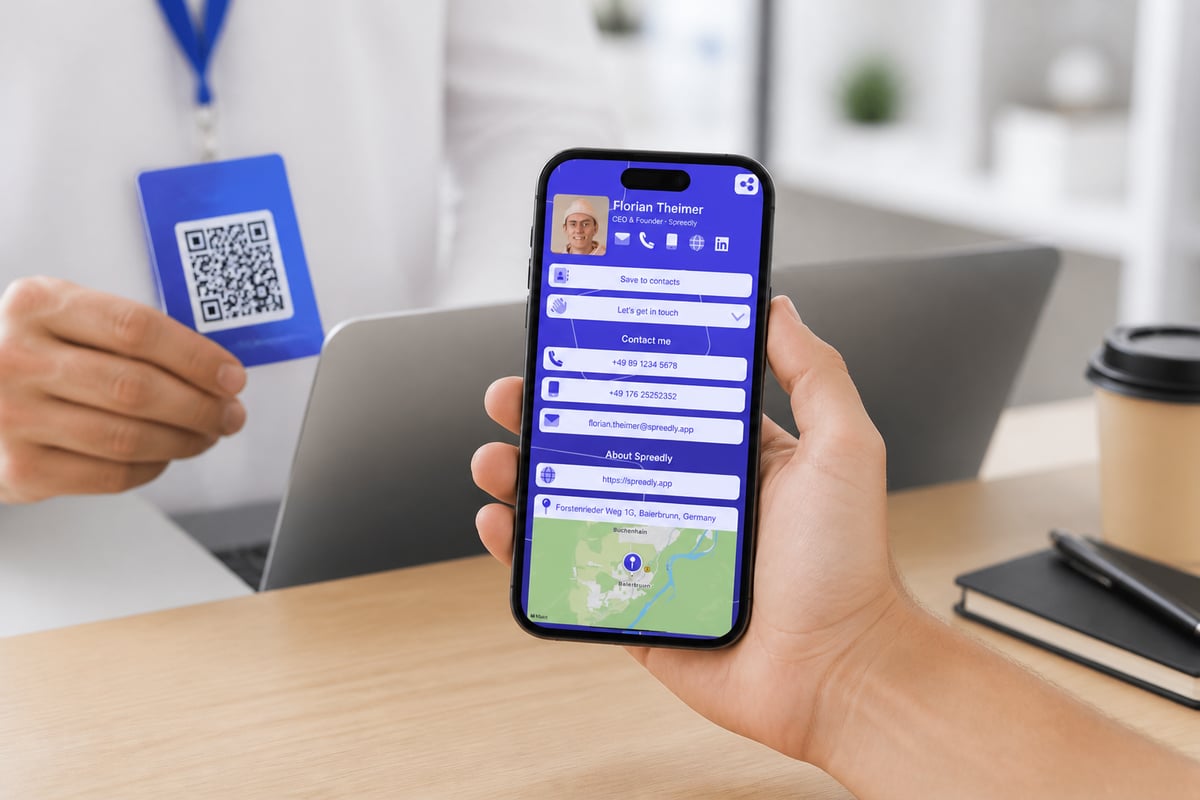
For sales and event teams, the value is what happens after the handshake. Contacts are saved in seconds, so nobody has to type or scan your details, and lead capture sends every lead with full context straight to your CRM. Spreadly is trusted by 250,000+ professionals worldwide and holds a 4.8/5 rating from 1,100+ reviews, and the Free Digital Business Card is the quickest entry point.
Best for: Trade show and field teams that need contacts captured, synced and followed up quickly, with details that never go out of date.
Verdict: The right pick when the card's job is to start a conversation and feed a pipeline, not to sit in a wallet.
Comparison of the options
| Option | Type | Cost to design | Standard size | Best use |
|---|---|---|---|---|
| Canva Free Business Card Maker | Template editor | $0 | 3.5 × 2 in | Fast, free layouts with QR code |
| Adobe Express Free Business Card Maker | Template editor | $0 | 3.5 × 2 in | Polished editing, optional prints |
| Canva Business Card Printing | Print service | From about $45 for 500 | 3.5 × 2 in | Ordering a finished batch |
| Spreadly Free Digital Business Card | Digital card | Free to start | Not applicable | Lead capture and instant updates |
How a business card generator handles print specs
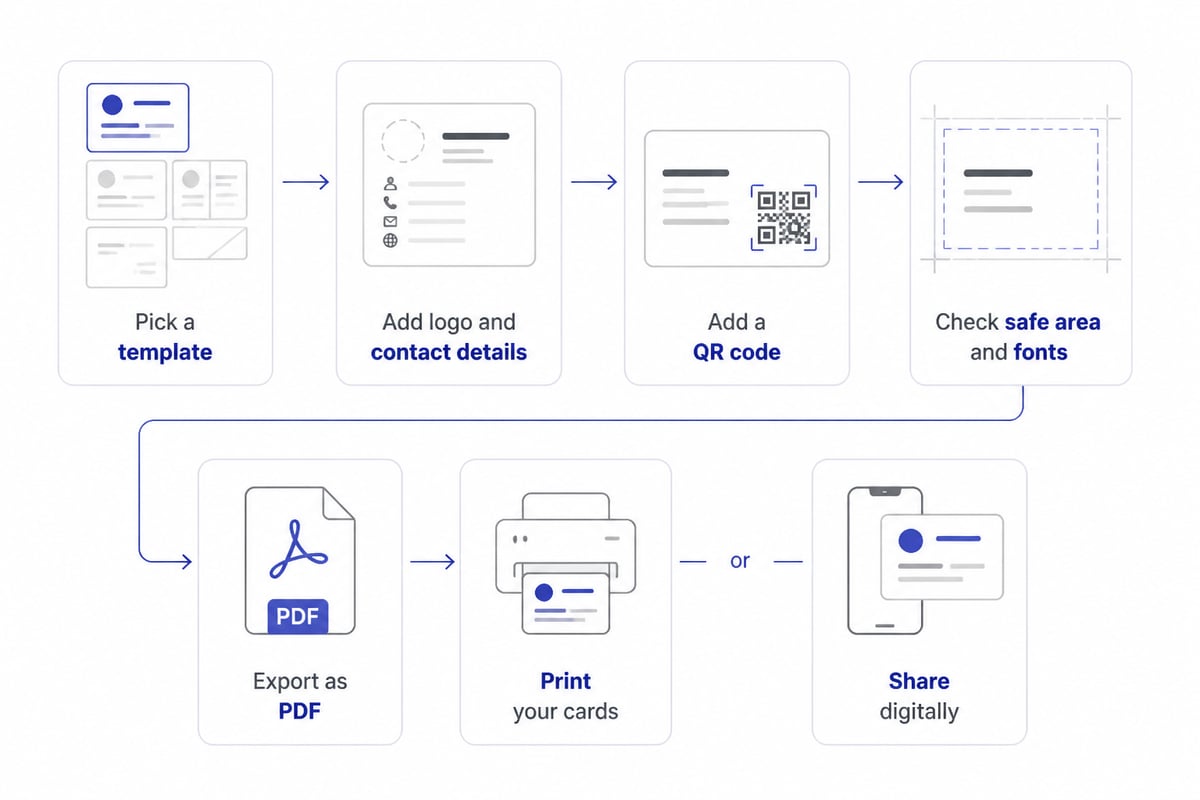
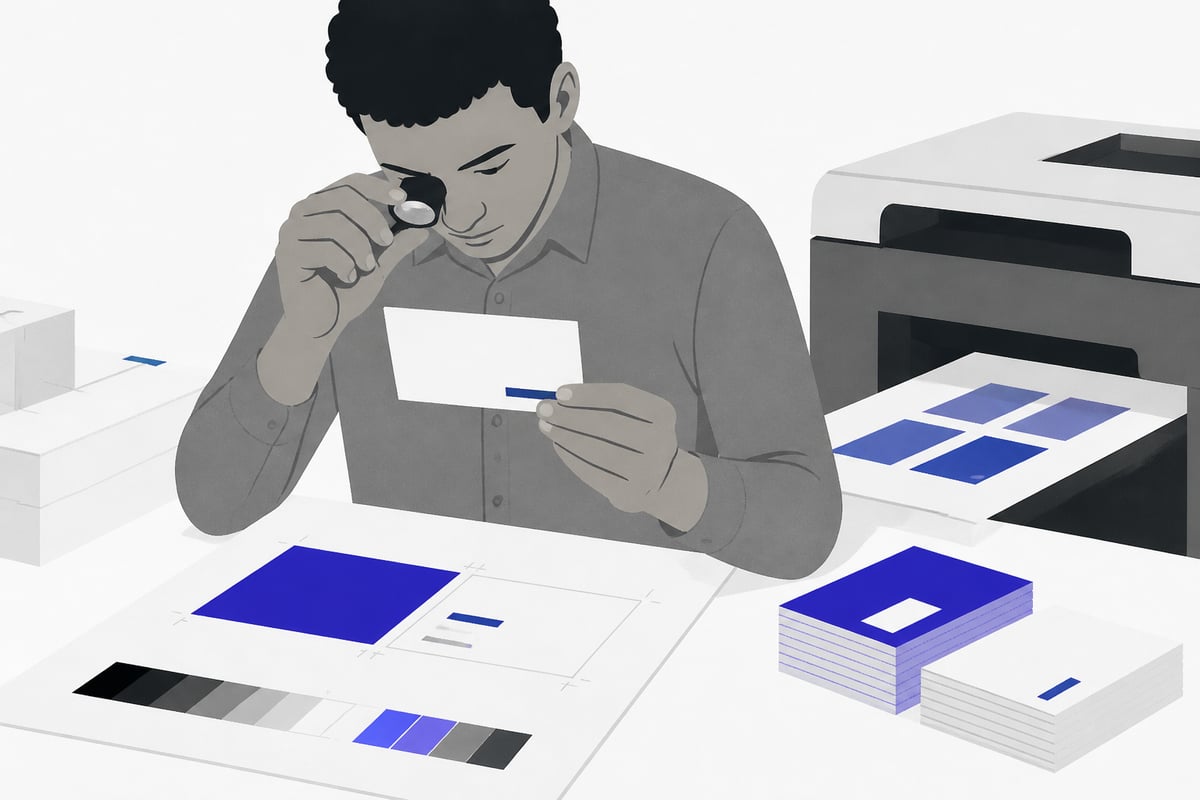
Whichever tool you choose, print quality depends on a few numbers, and a generator will not always warn you when you miss them. VistaPrint's design rules put full-bleed artwork at 3.61 × 2.11 inches and the safe printing area at 3.36 × 1.86 inches. Anything important, such as a phone number or logo, should sit inside that safe area so trimming does not cut it off.
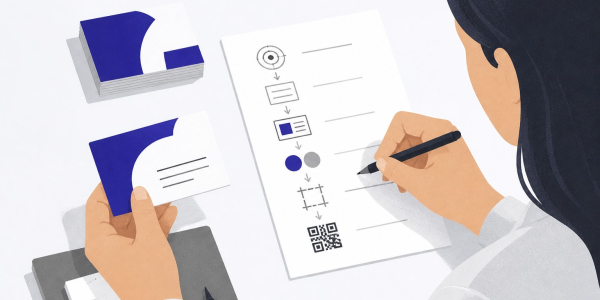
Use this short checklist before you export:
- Keep body text at 8 pt or larger, and set prominent details at 10 to 12 pt, as VistaPrint recommends.
- Prepare raster images at 300 DPI.
- Use CMYK colors for print, since screen colors can shift on paper.
- Extend backgrounds into the bleed, then keep text inside the safe area.
- Export as a print-ready PDF where the tool allows it.
The MOO business card size guide explains why the common dimensions fit wallets and card holders, which is worth knowing before you choose an unusual format. For European events, remember that card sizes vary by region, and the international business card guide covers the differences.
Why trade show teams need more than a design
A generator solves the design problem. It does not solve the follow-up problem, which is where most event leads are lost. A printed card gives the recipient your details, but it gives you nothing back: no record of who took it, no context from the conversation and no automatic path into your CRM.
Event teams run into this in three ways:
- Slow follow-up. Contacts collected on a stand are typed in days later, if at all.
- Outdated cards. A promotion or number change means reprinting a box of cards. The hidden costs of paper business cards are easy to underestimate once you count reprints across a team.
- Inconsistent branding. Each person edits their own card, and styles drift.
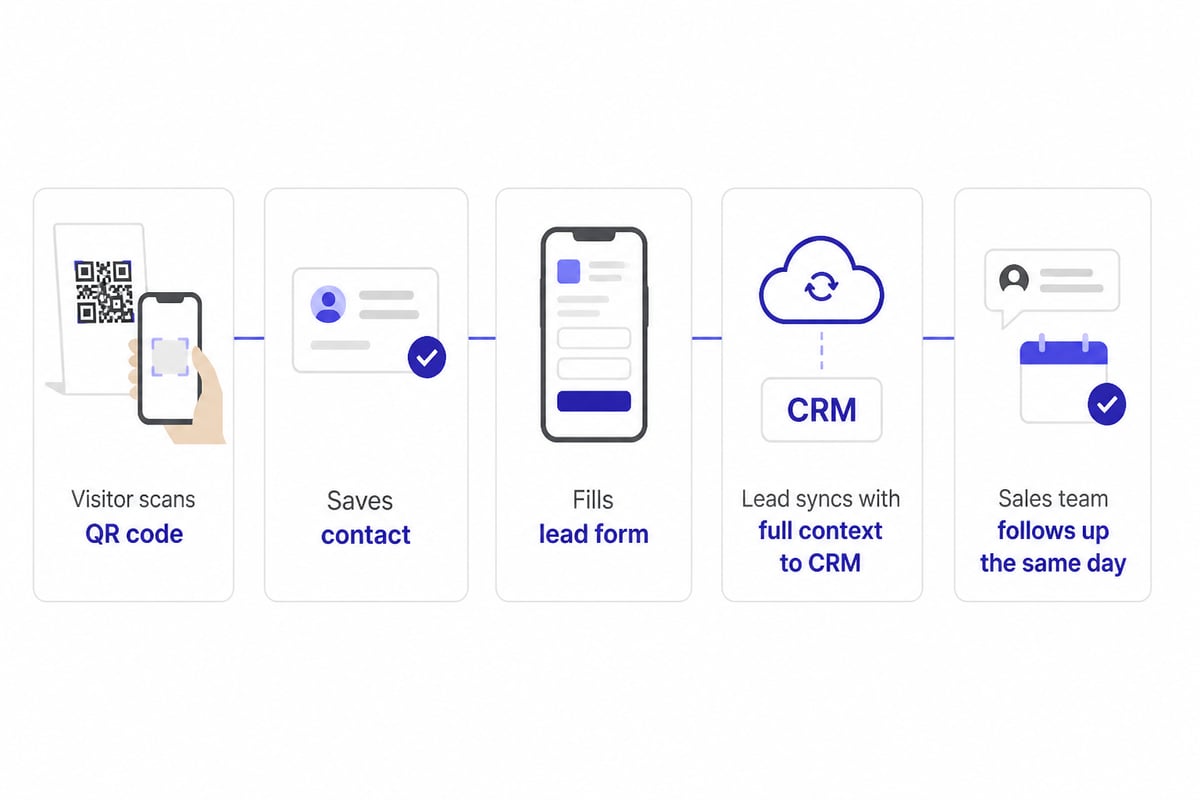
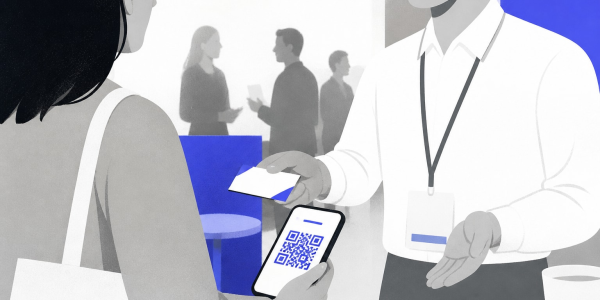
Digital cards close this gap. A visitor scans a QR code, saves your contact and can leave their own details through a lead form, and the lead lands in your CRM with context attached. The guide to digital business cards for trade fairs walks through that setup, and the business card scanner is built to read paper cards from others in many languages when you still collect them.
Choosing between print and digital
Match the tool to the job rather than picking by popularity. Use a template editor like Canva or Adobe Express when you need a physical card for a single event or a small team and the details will not change soon. Choose a digital card when contact details change, when several people need consistent branding, or when every lead must reach a CRM quickly.
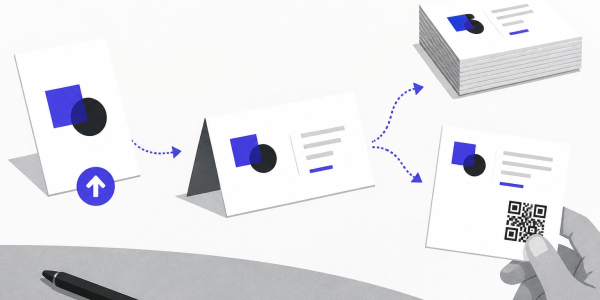
Many teams use both: a simple printed card with a QR code that points to a digital card. That way paper acts as a doorway, and the live link stays current. If you are weighing formats, the QR code business card creator article explains how to connect the two.
If your only need is a single paper card printed once, a free template editor and a local printer are all you need, and a digital card adds nothing. Check what your team does after an event, then pick the tool that supports that step.
Practical tips for faster, better cards
Small decisions separate a card that works from one that gets thrown away.
- Limit the content. Name, role, company, one phone number, one email and a QR code are enough.
- Prioritize legibility. Dark text on a light background prints reliably at small sizes.
- Test the QR code. Scan it on two phones from arm's length before you order a batch.
- Match your brand. Use the same logo, colors and fonts as your website and email signature. Centrally managed email signatures keep that consistent across a whole company.
- Plan for change. Anything that may change, such as a mobile number or title, belongs behind a link rather than on paper.
Free tools make experimenting cheap, so create two versions and compare how people respond at your next event.
Frequently asked questions
Is a free business card generator good enough for professional use?
Yes, for design. Free tools such as Canva and Adobe Express produce print-ready files at standard sizes. The limits appear later: printing costs extra, and a printed card cannot update or capture leads.
What file format should I export?
Choose a print-ready PDF for a printer, since it preserves fonts, bleed and resolution. PNG and JPEG work for screens and quick sharing, but PDF is the safer choice for paper.
Can I add a QR code to a business card?
Yes. Most generators include a QR code element. Point it to a live page or digital card rather than a fixed phone number, so the destination can change without a reprint.
How many cards should I print for a trade show?
Estimate by the number of conversations your team expects, then add a margin. A digital card removes the guesswork, because it never runs out.
Before your next event, open one free template editor and build a card with a QR code, then test how that code behaves on two phones. If your team needs those scans to turn into CRM-ready leads without retyping anything, start with the Free Digital Business Card and see how quickly details can be shared and updated. Try Spreadly free and have your first card ready to share before the next booth opens.