Google Business Cards: Modern Solutions for 2026
13 minutes
30th of July 2026
In this article:
- Understanding Google Business Cards in 2026
- Creating Effective Google Business Cards
- Integration with Business Tools
- Team and Enterprise Implementation
- Platform Options and Alternatives
- Analytics and Performance Tracking
- Mobile-First Design Considerations
- Environmental and Cost Benefits
- Advanced Features and Emerging Trends
- Security and Privacy Considerations
- Industry-Specific Applications
- Implementation Roadmap for Organizations
- Measuring Return on Investment
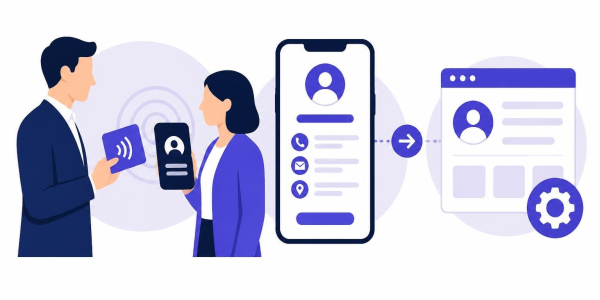
The landscape of professional networking has undergone a dramatic transformation over the past few years, with google business cards emerging as a crucial tool for modern professionals. As we navigate through 2026, the traditional paper business card has evolved into sophisticated digital formats that integrate seamlessly with Google's ecosystem and beyond. These modern solutions offer instant sharing capabilities, real-time updates, and integration with essential business tools, fundamentally changing how professionals exchange contact information and maintain their networks.
Understanding Google Business Cards in 2026
The term "google business cards" encompasses several distinct approaches to digital networking. Google's ecosystem provides multiple pathways for professionals to create and share their contact information, from Google Business Profile listings to Google Wallet integration and People Card features. Each approach serves specific use cases and audiences.
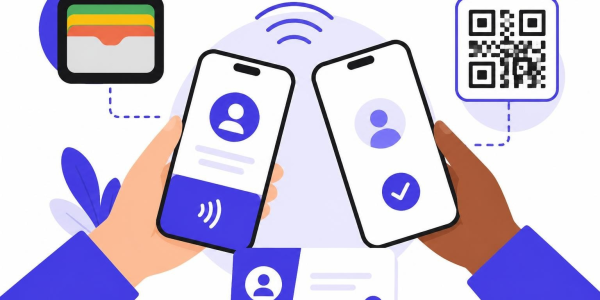
Traditional google business cards often refer to the ability to save digital contact information directly to Google Wallet, allowing recipients to store and access details without physical cards. This technology has matured significantly, with enhanced QR code scanning capabilities and seamless integration across Android devices and Google services.
Google Wallet Digital Cards
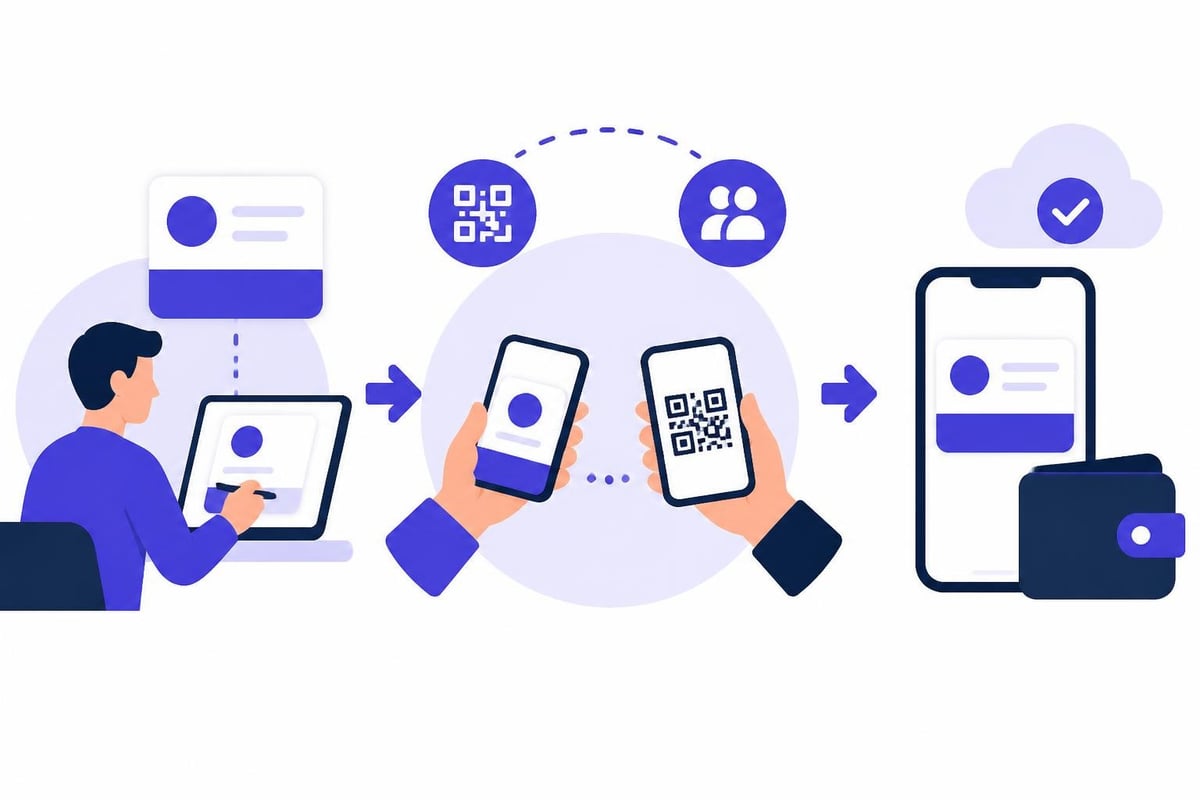
Google Wallet has become a central hub for storing digital business cards alongside payment methods, loyalty cards, and event tickets. When someone shares a google business card compatible with Google Wallet, recipients can save the contact information with a single tap. This functionality works across millions of Android devices and provides instant access to phone numbers, email addresses, websites, and social media profiles.
The integration extends beyond simple storage. Google Wallet cards can trigger actions like initiating calls, sending emails, or opening websites directly from the saved card. This interactivity transforms passive contact storage into active networking tools.
Creating Effective Google Business Cards
Building a compelling digital presence through google business cards requires strategic planning and attention to detail. The most successful implementations combine technical functionality with professional branding and clear communication of value.
Essential Elements for Success
Every effective google business card should include these fundamental components:
- Complete contact information with multiple communication channels
- Professional branding including logos, colors, and consistent typography
- Clear value proposition explaining what you or your company does
- Action triggers such as scheduling links, portfolio samples, or lead capture forms
- Social proof through credentials, testimonials, or notable clients
The presentation of this information matters as much as the content itself. Visual hierarchy, readable typography, and intuitive navigation ensure recipients can quickly find and use the information they need.
| Feature | Paper Cards | Google Business Cards |
|---|---|---|
| Update Capability | Requires reprinting | Instant updates |
| Sharing Method | Physical handoff | QR, link, wallet |
| Environmental Impact | Paper waste | Zero waste |
| Cost per Card | $0.10-$0.50 | Marginal after setup |
| Rich Media | Not possible | Video, files, forms |
Branding and Customization
Generic google business cards fail to make lasting impressions. Successful professionals invest in customization that reflects their personal or corporate brand identity. This includes uploading company logos, selecting brand-compliant colors, choosing appropriate fonts, and crafting compelling headlines that communicate unique value.
Advanced customization options now support interactive backgrounds, embedded video introductions, and dynamic content that changes based on viewer context or time. These features transform static contact cards into engaging multimedia experiences.
Integration with Business Tools
The true power of google business cards emerges through integration with existing business systems. Modern digital cards connect with customer relationship management platforms, marketing automation tools, and communication systems to streamline workflows and enhance productivity.
CRM Synchronization
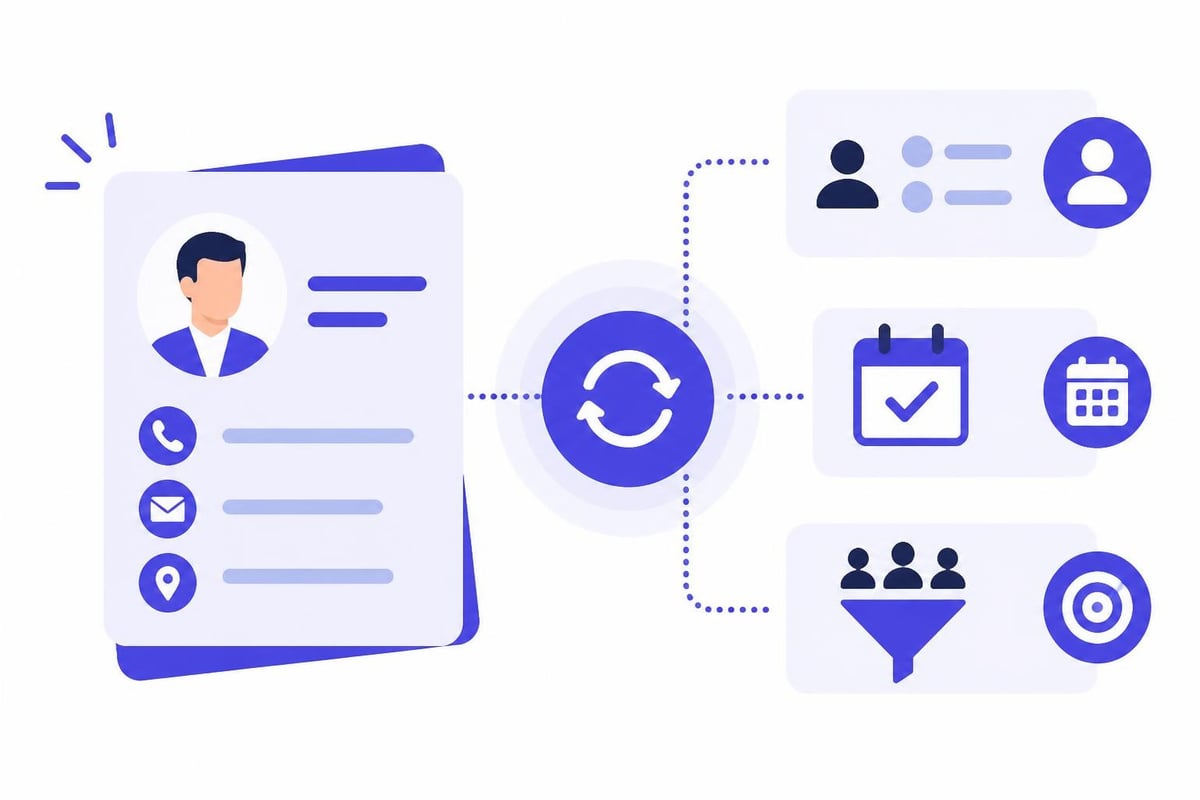
Leading organizations configure their google business cards to sync directly with CRM platforms including Salesforce, HubSpot, Pipedrive, and Microsoft Dynamics. When someone saves a digital business card, their information automatically populates the sender's CRM as a new contact or updates an existing record. This automation eliminates manual data entry and ensures contact information stays current across systems.
The synchronization flows in both directions. Updates made in the CRM can automatically refresh the digital business card, ensuring recipients always access the most current information. This bidirectional sync proves especially valuable for sales teams managing large contact databases.
Scheduling and Lead Capture
Strategic professionals embed scheduling tools directly into their google business cards, allowing recipients to book meetings without email exchanges. Integration with platforms like Calendly transforms cards into instant meeting schedulers, dramatically reducing the friction between initial contact and meaningful conversation.
Lead capture forms embedded within digital cards collect specific information from prospects while providing value in return. A sales professional might offer a free resource download in exchange for company size and current challenges, qualifying leads automatically through the business card interaction itself.
Team and Enterprise Implementation
Organizations deploying google business cards across teams face unique challenges and opportunities. Centralized management, brand consistency, and scalability become critical considerations when hundreds or thousands of employees need digital cards.
Automated Provisioning
Forward-thinking companies integrate their digital business cards for teams with HR systems like Microsoft Entra ID, BambooHR, and Personio. When new employees join the organization, their digital cards generate automatically with standardized branding and role-appropriate content. Similarly, when employees change roles or leave the company, their cards update or deactivate automatically.
This automation ensures consistency, reduces IT workload, and maintains brand integrity across the organization. Employees receive professional, on-brand google business cards without requiring design skills or manual setup.
Compliance and Data Protection
Enterprise deployments must address data privacy regulations, especially GDPR requirements in Europe and similar frameworks globally. Compliant google business cards implement proper consent mechanisms, provide clear data usage disclosures, and offer recipients control over their information storage and usage.
Organizations handling sensitive information should prioritize platforms offering robust security features, data residency controls, and comprehensive audit trails. GDPR-compliant solutions hosted in Europe provide additional assurance for companies operating under strict privacy regulations.
Platform Options and Alternatives
While Google's native tools provide foundational functionality, third-party platforms extend google business cards with advanced features and broader compatibility. Understanding the landscape helps professionals choose solutions matching their specific needs.
Native Google Solutions
Google's People Card feature allows individuals to create virtual business cards that appear in search results when people search for their names. This approach works well for personal branding but offers limited customization and no rich media support. The Google People Card tutorial demonstrates basic setup for this feature.
Google Workspace users can create business cards using Google Slides or Docs, then export them as PDFs or images. While this approach provides design flexibility, it lacks the interactivity and update capabilities of true digital solutions.
Third-Party Digital Card Platforms
Specialized platforms like those reviewed in digital business card alternatives offer comprehensive features beyond basic google business cards. These solutions typically provide custom branding, analytics tracking, CRM integration, and support for both Google Wallet and Apple Wallet.
When evaluating platforms, consider compatibility with your existing technology stack, ease of use for team deployment, customization capabilities, and total cost of ownership. Free digital business card options work well for individuals, while enterprise features justify investment for larger organizations.
Applications like the Fluer Digital Business Card on Google Play demonstrate the variety of approaches available, from template-based designs to fully customized solutions.
Analytics and Performance Tracking
Modern google business cards provide detailed analytics about card views, contact saves, link clicks, and engagement patterns. These insights transform business cards from static contact tools into measurable marketing assets.
Key Metrics to Monitor
Successful professionals track these essential metrics:
- Card views indicating reach and sharing effectiveness
- Contact saves measuring conversion from view to action
- Link clicks showing which content resonates with recipients
- Geographic distribution revealing where your network spreads
- Time-based patterns identifying peak engagement periods
This data informs continuous optimization, helping refine messaging, adjust content placement, and identify networking opportunities. A high view-to-save ratio indicates compelling content, while low conversion suggests need for clearer calls to action or more relevant information.
A/B Testing and Optimization
Advanced users create multiple versions of their google business cards to test different approaches. One version might emphasize scheduling availability, while another highlights recent achievements or case studies. Analytics reveal which version generates more meaningful engagement, guiding ongoing refinement.
Testing different QR code placements, headline variations, and call-to-action wording provides concrete data about what resonates with your specific audience. This scientific approach to business card optimization delivers measurably better networking results over time.
Mobile-First Design Considerations
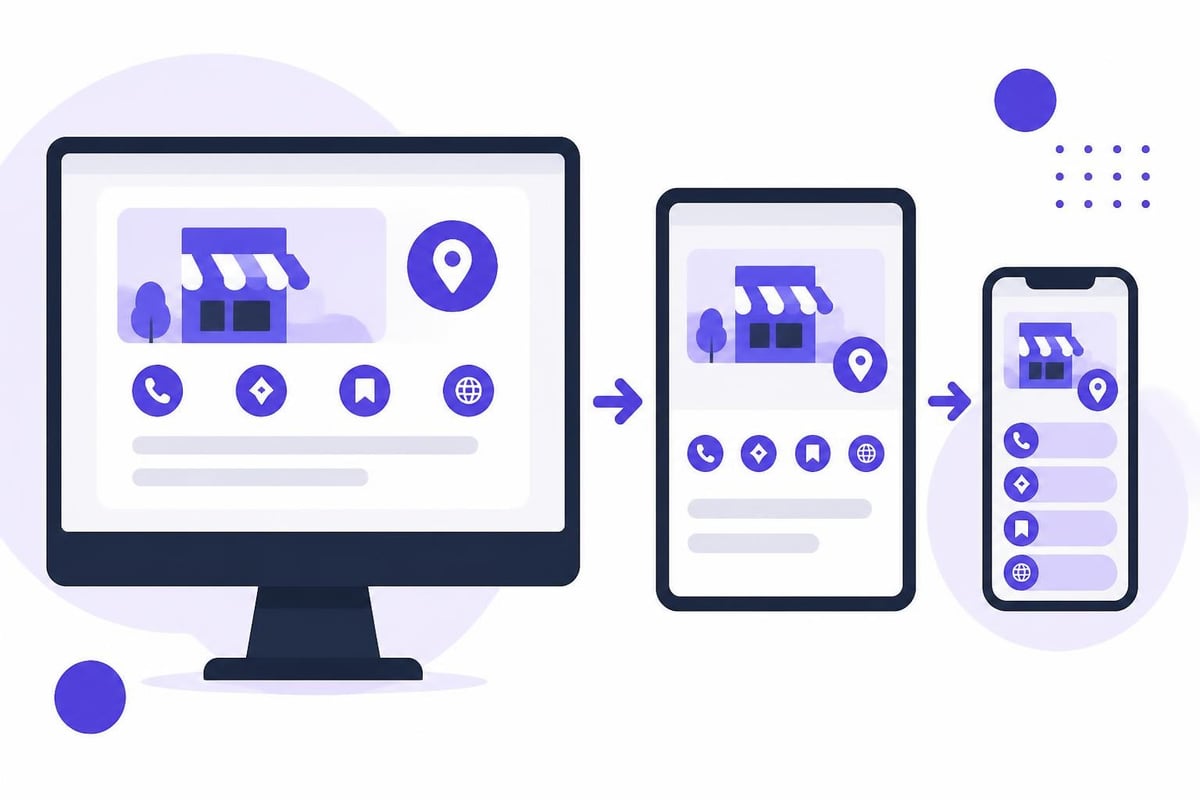
With the majority of google business cards viewed on mobile devices, mobile optimization has become non-negotiable. Designs that look perfect on desktop often fail on smaller screens, creating frustrating user experiences that undermine professional credibility.
Responsive Design Principles
Effective mobile google business cards follow these guidelines:
- Readable typography with minimum 16px font sizes for body text
- Tap-friendly buttons with adequate spacing and size
- Fast loading with optimized images and minimal code
- Vertical scrolling avoiding horizontal scroll requirements
- Priority-based layout displaying critical information first
Test your google business cards across multiple devices and screen sizes to ensure consistent, professional presentation. What appears perfectly aligned on your laptop may become illegible on a smartphone without proper responsive design.
Cross-Platform Compatibility
While focusing on Google's ecosystem makes sense, professionals networking across diverse audiences need compatibility with Apple devices and other platforms. Solutions supporting both Google Wallet and Apple Wallet maximize accessibility, ensuring recipients can save and access cards regardless of their device preferences.
Cross-platform compatibility extends to web browsers, email clients, and messaging applications. Your google business cards should display correctly whether accessed through Chrome on Android, Safari on iOS, or desktop browsers on Windows and Mac systems.
Environmental and Cost Benefits
The shift toward google business cards delivers significant environmental and financial advantages compared to traditional printed cards. Understanding these benefits helps justify the transition and supports corporate sustainability initiatives.
Sustainability Impact
Traditional business cards generate substantial waste. Professionals order new cards for job changes, contact updates, or design refreshes, with outdated cards ending up in landfills. A typical professional might discard hundreds of paper cards throughout their career.
Google business cards eliminate this waste entirely. A single digital card serves indefinitely, updating instantly when information changes. Organizations reducing or eliminating paper card printing demonstrate environmental commitment while achieving practical benefits.
Economic Advantages
The financial case for google business cards strengthens over time:
| Cost Factor | Traditional Cards | Digital Cards |
|---|---|---|
| Initial Design | $100-$500 | $0-$300 |
| Printing (500) | $50-$200 | $0 |
| Reprints Annually | $50-$200 | $0 |
| Three-Year Total | $250-$1,100 | $0-$300 |
| Update Speed | 1-2 weeks | Instant |
These savings multiply across larger organizations. A company with 100 employees might spend $10,000-$20,000 annually on business cards, costs eliminated through digital alternatives.
Advanced Features and Emerging Trends
The evolution of google business cards continues accelerating, with new capabilities emerging regularly. Staying current with these trends ensures your networking tools remain competitive and effective.
AI-Powered Personalization
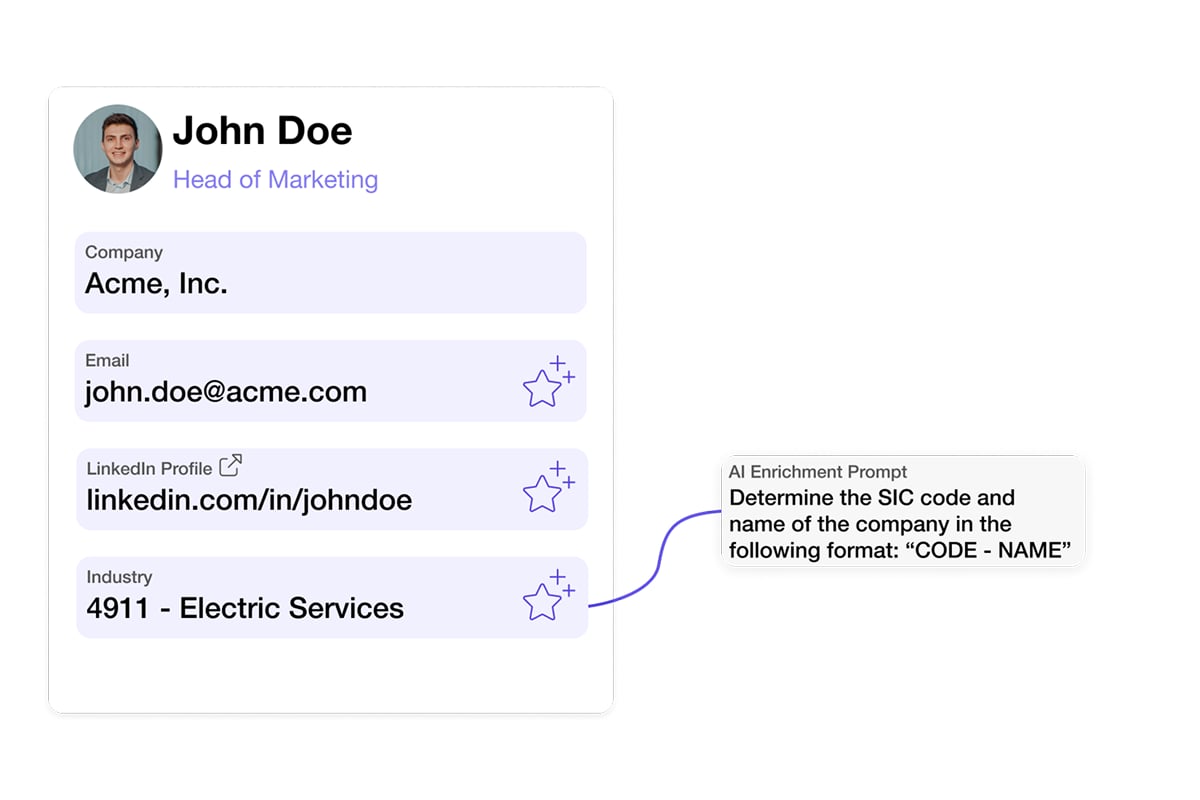
Artificial intelligence now powers dynamic google business cards that adapt content based on recipient context. A card might emphasize different services, highlight relevant case studies, or adjust messaging based on the viewer's industry, location, or referral source.
Google's experimental tools like Pomelli AI hint at future possibilities where business cards become intelligent marketing assistants, automatically optimizing themselves for maximum impact with each viewer.
NFC and Physical Integration
While digital, modern google business cards increasingly integrate with physical touchpoints through NFC (Near Field Communication) technology. Professionals carry NFC-enabled cards, stickers, or accessories that instantly share their digital business card when tapped against a smartphone.
This hybrid approach combines the tangible, memorable experience of physical exchange with the functionality and flexibility of digital formats. Recipients appreciate the novel interaction while gaining immediate access to comprehensive, updateable information.
Video and Rich Media
Static information no longer suffices in competitive networking environments. Leading professionals embed video introductions, portfolio samples, product demonstrations, and customer testimonials directly into their google business cards.
This rich media transforms quick introductions into memorable experiences, helping recipients remember and prioritize follow-up. A 30-second video greeting creates personal connection impossible with text and images alone.
Security and Privacy Considerations
As google business cards become more sophisticated and interconnected, security and privacy concerns grow correspondingly important. Responsible professionals implement appropriate protections while maintaining functionality and ease of use.
Data Protection Best Practices
Implement these security measures for your google business cards:
- Minimal data collection gathering only essential information
- Transparent privacy policies clearly explaining data usage
- Opt-in consent for marketing communications and data sharing
- Secure data transmission using HTTPS and encryption
- Regular security audits identifying and addressing vulnerabilities
Professional platforms provide built-in security features, but users must configure them appropriately. Review privacy settings, understand data sharing agreements, and maintain control over who accesses your contact information and networking data.
Recipient Privacy Rights
Respect recipients' privacy by offering clear control over their information. Allow easy unsubscribe options, provide data deletion capabilities, and honor preferences about communication frequency and methods. These practices build trust and comply with regulations like GDPR and CCPA.
When sharing google business cards at scale, segment your audience and personalize communications appropriately. Mass outreach feels impersonal and risks damaging professional relationships built through careful networking.
Industry-Specific Applications
Different industries leverage google business cards in unique ways, adapting the technology to their specific networking contexts and professional norms. Understanding these variations helps optimize your approach for maximum effectiveness.
Sales and Business Development
Sales professionals use google business cards as prospecting tools, embedding lead capture forms, product catalogs, and case studies directly into their cards. Integration with CRM systems ensures every card share creates a tracked opportunity, with automated follow-up sequences triggered by recipient actions.
Advanced sales teams analyze card engagement data to prioritize follow-up, focusing energy on prospects who spend time reviewing product information or watching demonstration videos embedded in the business card.
Events and Conferences
Event networking benefits tremendously from google business cards. Rather than collecting stacks of paper cards requiring manual data entry, professionals exchange digital cards through QR codes or NFC taps. Information flows directly into contact management systems, with event-specific tags enabling targeted follow-up.
For professionals who need to capture contact information from others, particularly at trade shows and conferences, solutions offering business card scanning capabilities transform networking efficiency by digitizing paper cards received from others while sharing your own digital card.
Creative and Media Professionals
Designers, photographers, writers, and other creative professionals showcase portfolios directly through their google business cards. Interactive galleries, video reels, and downloadable samples provide immediate evidence of capabilities, transforming the business card into a portable portfolio.
This approach proves especially effective for freelancers and consultants whose work quality matters more than company affiliation. A compelling portfolio embedded in a business card differentiates creative professionals in competitive markets.
Implementation Roadmap for Organizations
Organizations transitioning to google business cards need structured implementation plans ensuring smooth rollout and high adoption rates. This roadmap guides successful deployment across teams of any size.
Phase 1: Planning and Preparation
Begin by defining requirements, selecting platforms, and designing templates. Involve stakeholders from sales, marketing, IT, and HR to ensure the solution meets diverse needs. Establish branding guidelines, content standards, and integration requirements during this phase.
Create pilot programs with small teams before company-wide rollout. These pilots identify issues, refine processes, and generate internal advocates who champion adoption across the organization.
Phase 2: Integration and Testing
Connect your google business cards platform with existing systems including HR databases, CRM platforms, and marketing automation tools. Test these integrations thoroughly, validating data flows in both directions and confirming updates propagate correctly.
Develop training materials, video tutorials, and quick-start guides helping employees create and customize their cards efficiently. Clear documentation reduces support burden and accelerates adoption.
Phase 3: Rollout and Adoption
Launch in phases, beginning with early adopters and expanding to broader teams. Provide hands-on training sessions, office hours for questions, and ongoing support ensuring employees feel confident using their new google business cards.
Track adoption metrics including card creation rates, sharing frequency, and engagement levels. Identify and address barriers to adoption, whether technical challenges, unclear value propositions, or inadequate training.
Phase 4: Optimization and Expansion
Analyze usage data to identify improvement opportunities. Which features generate highest engagement? Where do users struggle? What additional integrations would deliver value?
Continuously refine templates, expand integration capabilities, and incorporate user feedback. The most successful implementations evolve based on real-world usage patterns rather than remaining static after initial launch.
Measuring Return on Investment
Justifying investment in google business cards requires demonstrating measurable business value. These metrics help quantify ROI and support continued investment in digital networking capabilities.
Quantifiable Benefits
Track these ROI indicators:
- Time saved on card ordering, distribution, and data entry
- Cost reduction from eliminated printing and design expenses
- Increased conversion rates from card view to meaningful conversation
- Accelerated sales cycles through embedded scheduling and lead capture
- Enhanced brand consistency reducing marketing waste from off-brand materials
- Improved follow-up rates from automated CRM integration
Organizations typically see positive ROI within 3-6 months of deployment, with benefits compounding over time as adoption increases and processes mature.
Qualitative Improvements
Beyond quantifiable metrics, google business cards deliver qualitative benefits including enhanced professional image, improved networking confidence, and stronger brand perception. These factors contribute to long-term success even when difficult to measure precisely.
Employee satisfaction often increases when organizations provide modern, effective tools matching personal technology expectations. Recruiting and retention benefit from demonstrating technological sophistication and commitment to employee success.
Google business cards have fundamentally transformed professional networking, offering instant sharing, real-time updates, and seamless integration with business systems. Whether you're an individual professional seeking to modernize your networking approach or an organization deploying digital cards across teams, the benefits of enhanced engagement, reduced costs, and environmental sustainability make the transition compelling. Spreadly provides a comprehensive platform for creating customizable digital business cards that integrate with Google Wallet, Apple Wallet, and leading CRM systems, enabling professionals and organizations to share contact information instantly while capturing leads and maintaining brand consistency across all touchpoints.